DLSS5MOD
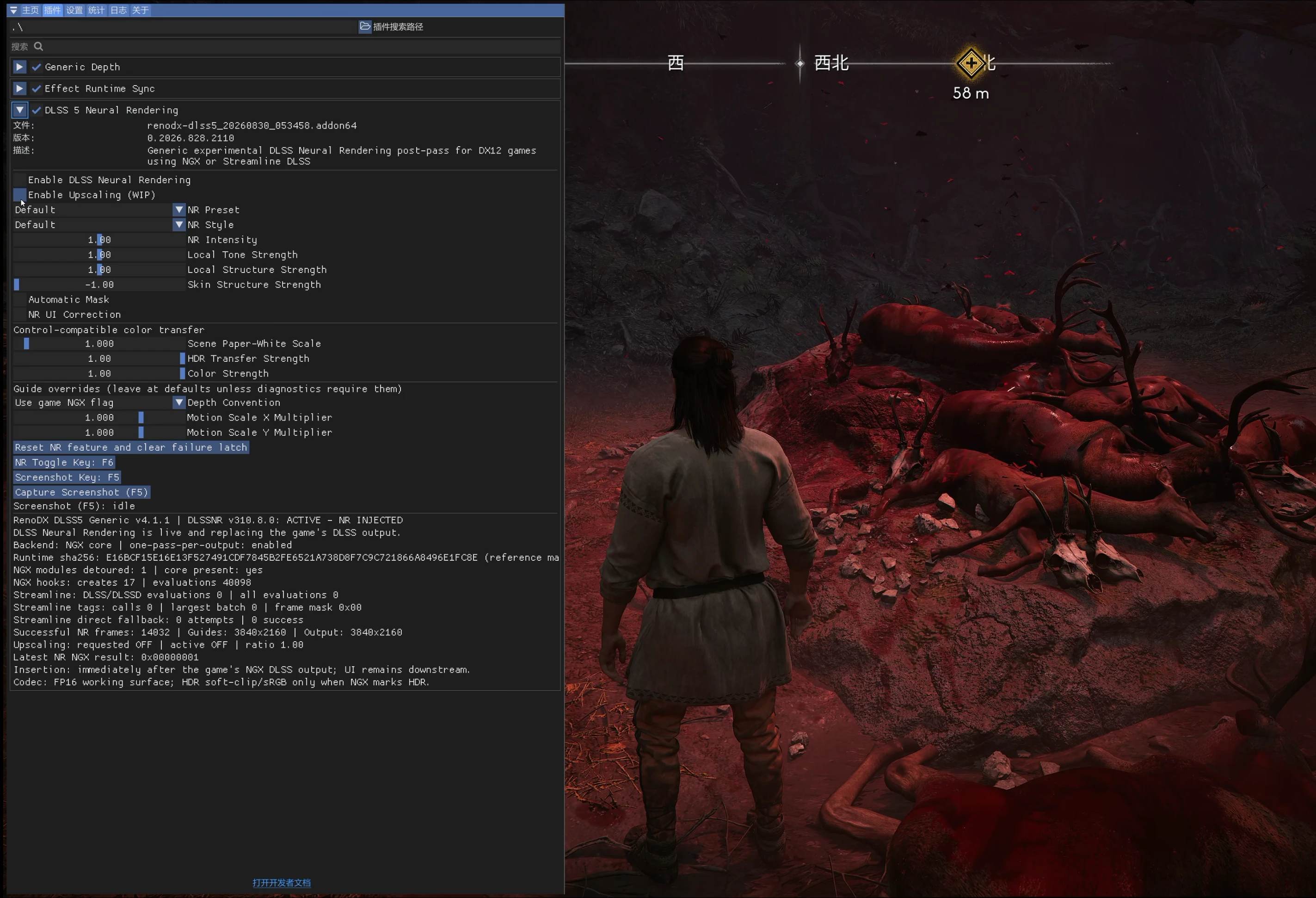
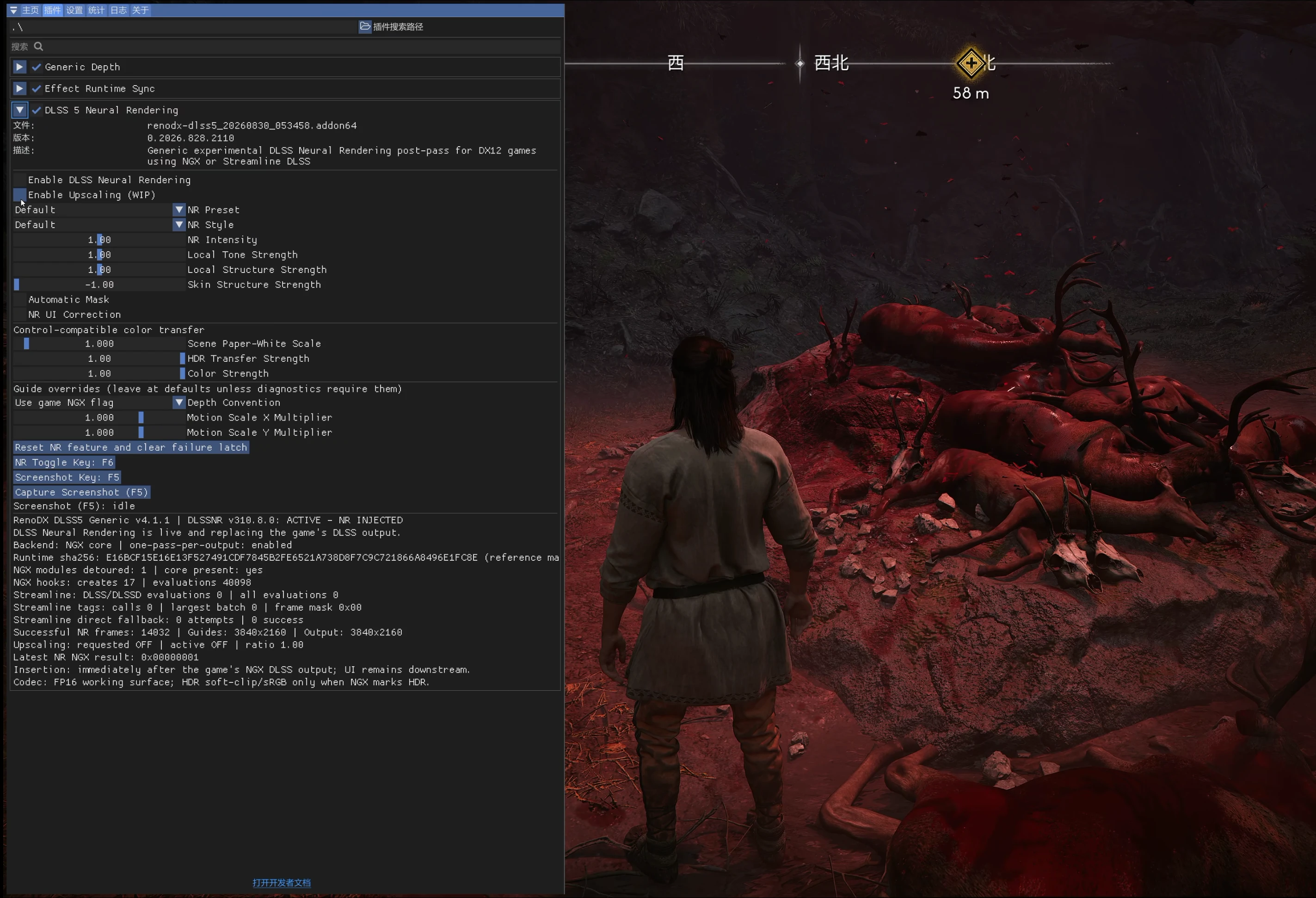
已切换到适用于bloodofdawnwalker的DLSS5模组
 查看大图
查看大图ReShade 安装说明
ReShade 需要手动下载,不允许与文件一起上传。
一、中文安装教程
安装步骤
- 解压文件:将MOD压缩包内所有文件,全部解压至游戏根目录的 Win64(xxxx\Dawnwalker\Binaries\Win64) 文件夹中(包含 d3d12.dll、vngx dlssnr.dll、renodx-dlss5 20260830 053458.addon64、ReShade Setup 6.8.0 Addon.exe 全部文件)。
- 安装插件:在Win64目录中,双击运行 ReShade Setup 6.8.0 Addon.exe,按照程序默认指引,完成 DX12 版本组件安装即可,无需额外修改参数。
- 启动游戏:安装全部完成后,通过目录内的 Dawnwalker.exe 启动游戏,MOD自动生效。
功能快捷键
F6:快速开启/关闭 DLSS5 渲染功能,可随时切换效果状态。
重要注意事项
DLSS5 自带超强高清渲染优化效果,足以大幅提升游戏画面质感。建议提前调低游戏原生画面设置,有效释放硬件性能,提升游戏稳定帧率,避免画面冗余特效导致的掉帧、卡顿问题。
二、English Installation Guide
Installation Steps
- Extract Files: Extract all files from the MOD compressed package into the Win64 (xxxx\Dawnwalker\Binaries\Win64) folder in the game root directory (including d3d12.dll, vngx dlssnr.dll, renodx-dlss5 20260830 053458.addon64, and ReShade Setup 6.8.0 Addon.exe).
- Install Plugin: In the Win64 folder, double-click to run ReShade Setup 6.8.0 Addon.exe, and follow the default prompts to complete the installation of the DX12 component. No additional parameter modification is required.
- Launch Game: After the installation is completed, launch the game via Dawnwalker.exe. The MOD will take effect automatically.
Hotkey Function
F6: Quickly enable/disable the DLSS5 rendering function at any time.
Important Notes
DLSS5 comes with powerful high-definition rendering optimization that greatly improves the game visual quality. It is recommended to lower the original in-game graphics settings in advance to release hardware performance, stabilize the game frame rate, and avoid frame drops and stuttering caused by redundant native visual effects.
还没有人评论,去客户端里说两句吧。
评论在新手盒子客户端中发表,这里同步展示。