SleekUI - Modern Interface
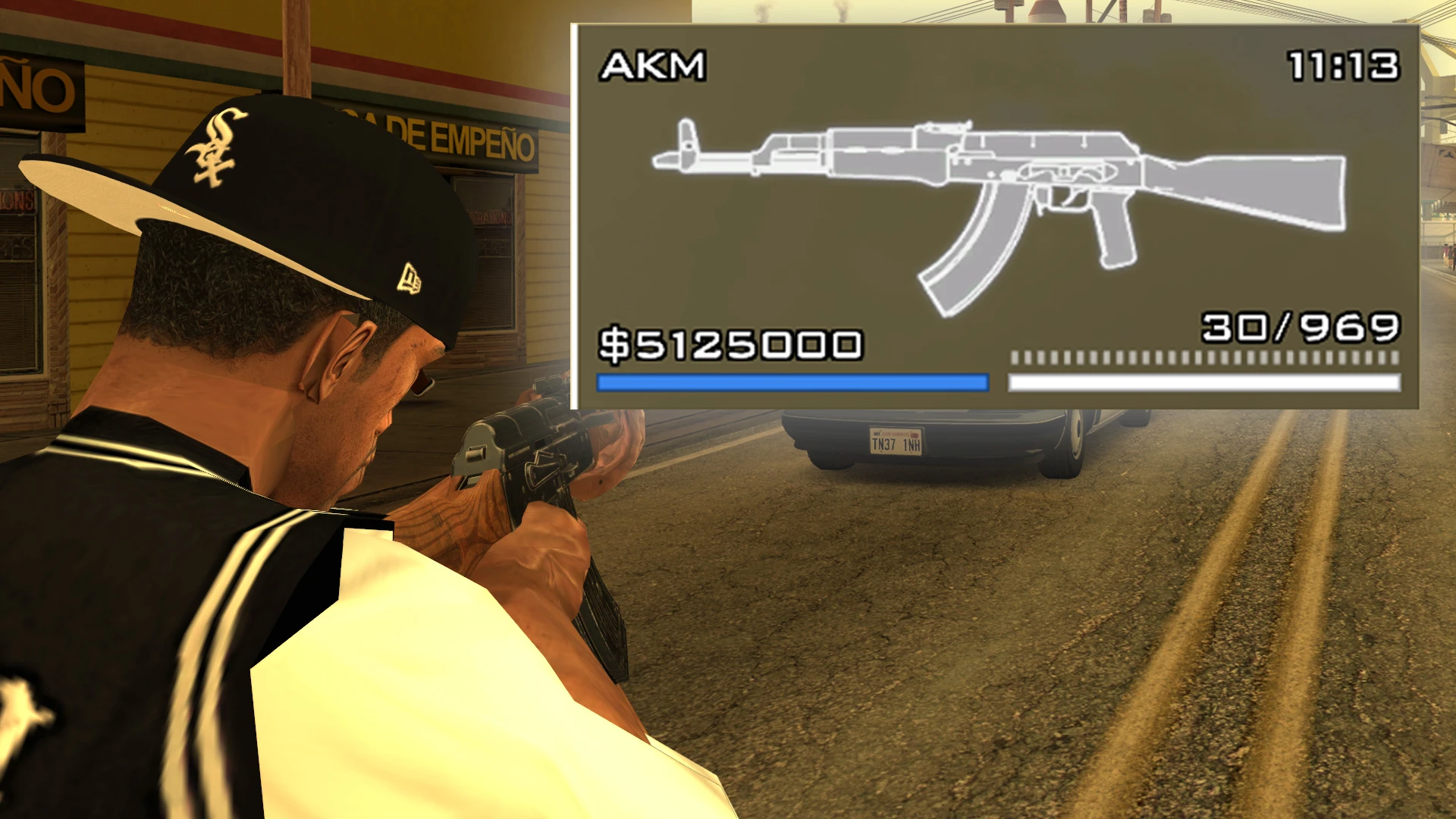
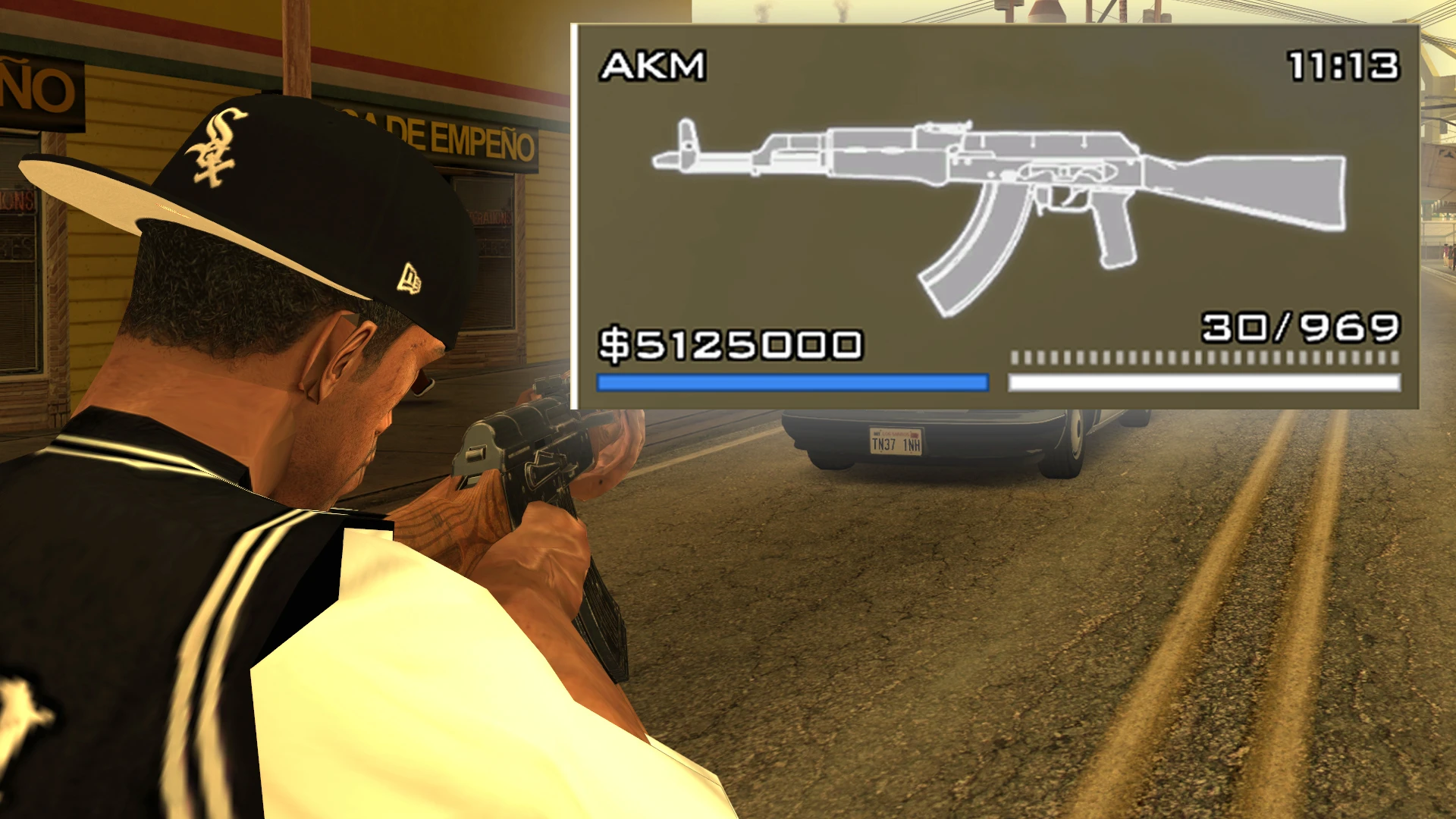
Modern Interface for GTA:San Andreas with a lot of features!
 查看大图
查看大图[center][size=5][b][youtube]SL6lflNVWRY[/youtube][/b][/size][/center]
[center][size=5][b]SleekUI[/b][/size][/center]
[center][b]Version:[/b] 2.6
[b]Author:[/b] pedrowav[/center]
[b]SleekUI[/b] is a comprehensive interface overhaul for GTA San Andreas, designed to modernize the HUD while keeping it functional and stylish. This mod offers three distinct visual styles and fully supports added weapons without replacing existing ones. It features custom animations, new crosshairs, and a streamlined aesthetic inspired by modern titles.
[size=4][b]✅ Features
[/b][/size]
[list]
[][b]3 Distinct Styles:[/b] Choose between Default, Google Maps, or SA Style[/]
[][b]Animated Ammo Counter[/b] for a dynamic combat experience[/]
[][b]Added Weapons Support:[/b] Compatible with added weapons without replacing original slots[/]
[][b]Custom Crosshairs & Radars[/b][/]
[][b]Weapon Icons[/b] based on the Immersive Weapons Pack style[/]
[/list]
[size=4][b]📁 Installation
[/b][/size]
[list=1]
[]Ensure you have [b]Modloader[/b] installed.[/]
[]Choose one of the styles inside the downloaded archive ([b]Default[/b], [b]Google Maps[/b], or [b]SA Style[/b]).[/]
[]Copy the folder inside your chosen style to your [b]modloader[/b] directory.[/]
[/list]
[b]Note:[/b] This mod requires [b]CLEO+[/b] and [b]NewOpcodes.Cleo[/b] to function correctly.
[size=4][b]⚙️ Customization & Added Weapons
[/b][/size]
[list]
[][b]Real Weapon Names:[/b] You need IWP installed. Alternatively, you can edit the [i]WeapNames.fxt[/i] file inside the SleekHUD cleo folder.[/]
[][b]Custom Icons:[/b] If you want to create your own icons (e.g., for added weapons), source files are located in the [i]".Weapon Icons Source"[/i] folder. There is a video tutorial available on the mod page.[/]
[][b]Installing Added Weapon Icons:[/b] Use [i]"SleekUI\SleekHUD\models\txd\addwp.txd"[/i] and name the texture using the weapon ID. Examples are included inside the txd file.[/]
[/list]
[size=4][b]⚠️ Required Mods
[/b][/size]
[list]
[][url=https://www.mixmods.com.br/2019/06/sa-essentials-pack/]Essentials Pack[/url][/]
[][url=https://www.mixmods.com.br/2020/10/newopcodes-cleo-v2-1/]NewOpcodes[/url][/]
[/list]
[size=4][b]🔗 Recommended Mods
[/b][/size]
[list]
[][url=https://www.mixmods.com.br/2019/12/mobile-font-fixed-fonte-do-gta-sa-mobile-corrigida/]Mobile Font Fixed[/url] (Highly Recommended)[/]
[][url=https://libertycity.net/files/gta-san-andreas/211490-void-weapon-wheel.html]Void Weapon Wheel[/url] (Optional)[/]
[][url=https://libertycity.net/files/gta-san-andreas/231464-reloading-display.html]Reloading Display[/url] (Optional)[/]
[][url=https://www.nexusmods.com/gtasanandreas/mods/2888]Immersive Weapons Pack[/url][/]
[/list]
[size=4][b]👤 Credits
[/b][/size]
[list]
[][b]SleekUI Author:[/b] pedrowav[/]
[][b]Square Radar:[/b] Wesser[/]
[][b]Hud.TXD:[/b] RRT94 (Revamped Icons), pedrowav (Radarrect), Neon (Google Maps Style Icons)[/]
[][b]MobileHud:[/b] DK22Pac (Help & Edits by SaH4PoK, edups)[/]
[][b]CustomCrosshairs:[/b] HzanRsxa2959 (Help by DK22Pac, Textures by pedrowav)[/]
[][b]Proper Radar:[/b] Junior_Djjr (Color Scheme by pedrowav, Base by Grove Street Games & Jéssica Natália)[/]
[][b]Radar Map Color:[/b] Junior_Djjr[/]
[/list]
还没有人评论,去客户端里说两句吧。
评论在新手盒子客户端中发表,这里同步展示。