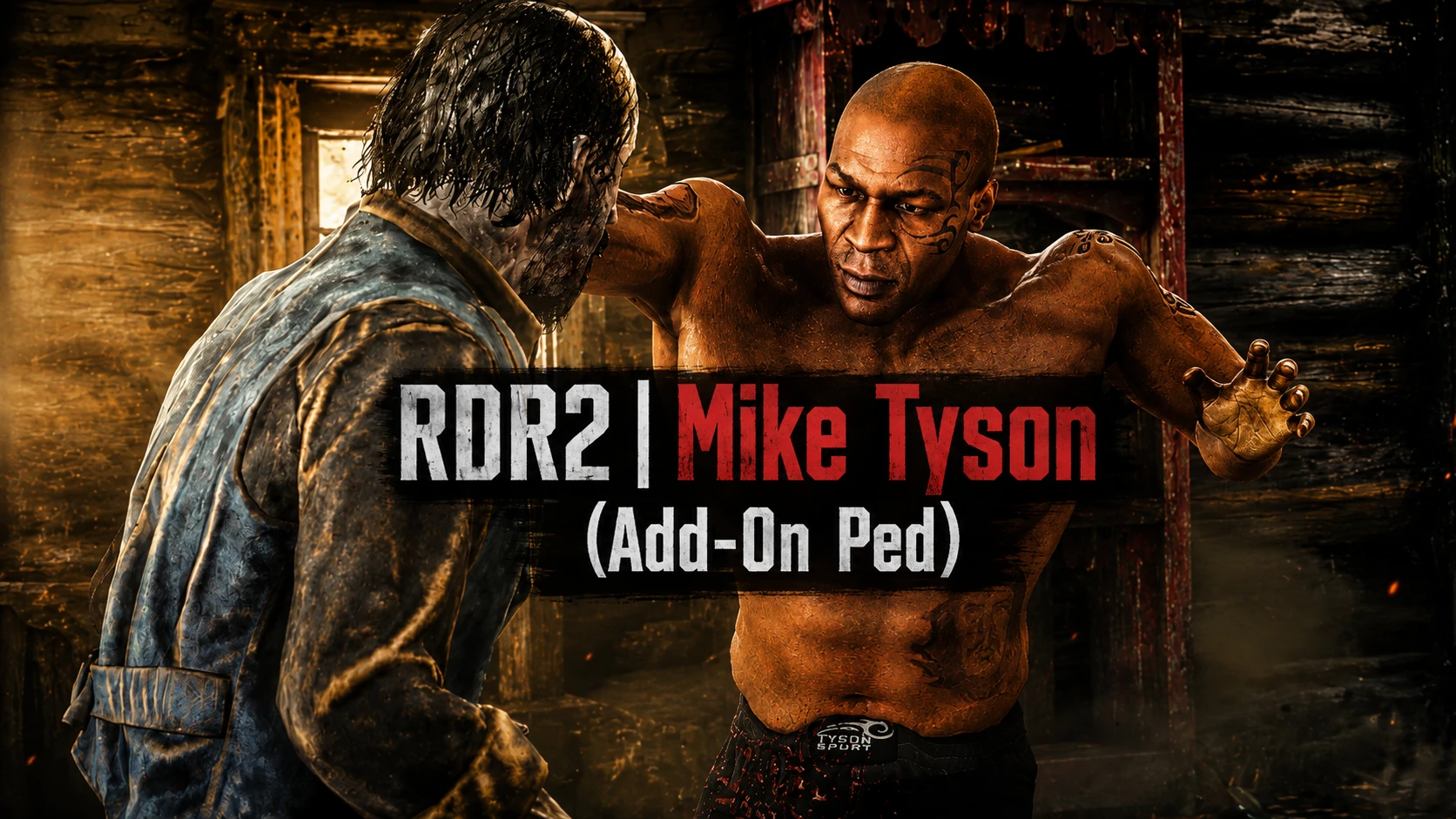
迈克·泰森(附加NPC)
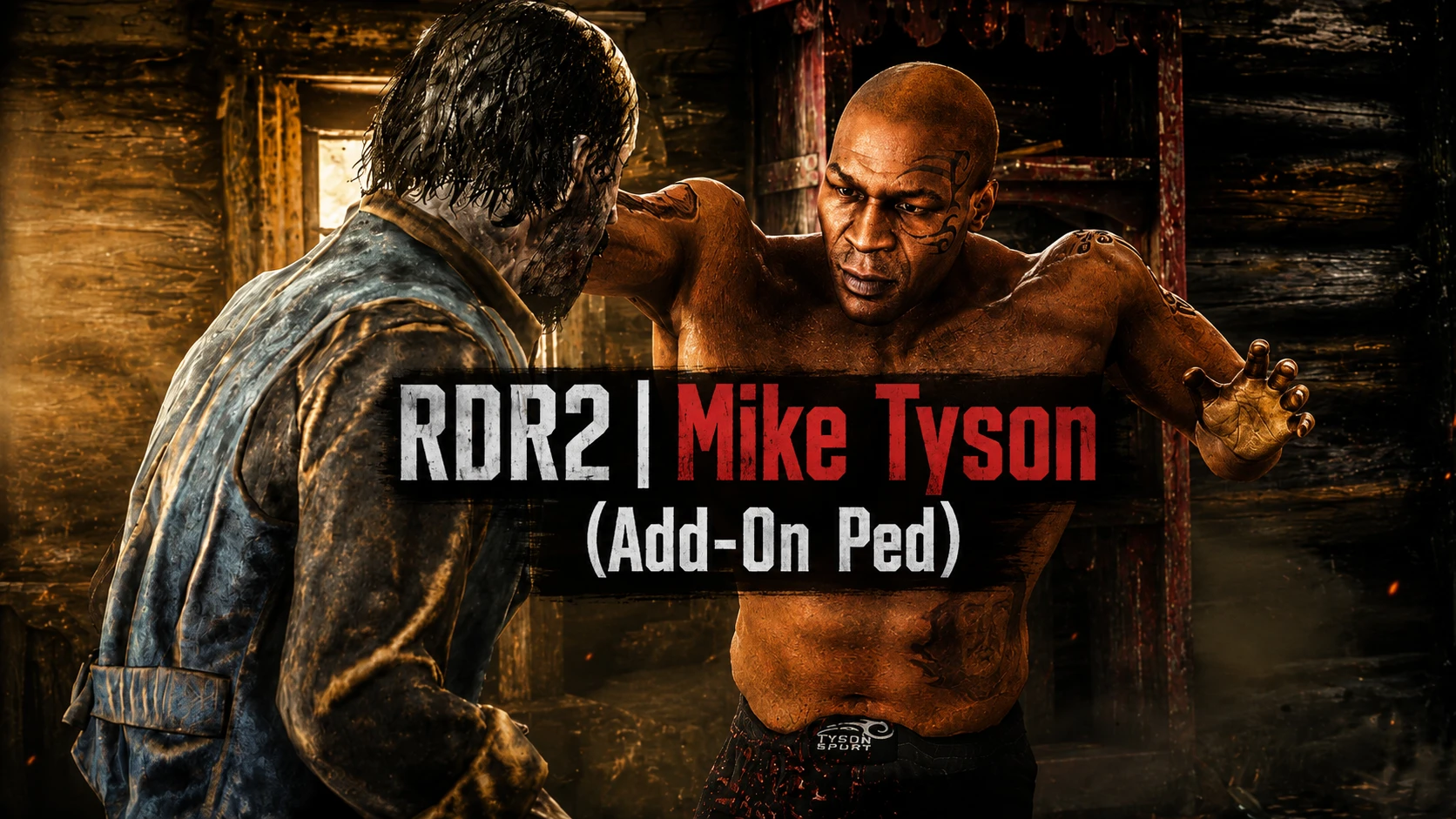
扮演传奇拳击手迈克·泰森(Mike Tyson)在《荒野大镖客:救赎2》中。此自定义角色模组将迈克·泰森作为附加行人(Add-On Ped)带入RDR2的世界。
 查看大图
查看大图PATREON: https://www.patreon.com/cw/UGURPRODUCTION
🇹🇷 Türkçe
如需定制模组或角色委托,您可以通过 Discord 联系我。
Discord: https://discord.gg/GAn6zJjC8P
🇬🇧 English
For custom mods or character commissions, feel free to contact me on Discord.
Discord: https://discord.gg/GAn6zJjC8P
📥 安装说明
🇹🇷 Türkçe
📦 安装
- 解压您下载的 .zip 文件。(桌面上将只保留包含 "addonped" 文件的文件夹。)
- 使用 Mod Loader 加载该文件夹。(如果您不知道如何安装,我的 "Add-On Ped" Selector 模组的安装说明中包含了相关步骤。另外还有使用视频,我建议您观看该视频。)
- 我的模组(需要 Add-On Peds Selector)。
- 进入游戏后,按下 F11 键,您加载的角色将会出现,选择它即可,就这么简单。
- 如果角色类型再次改变,请重复上述操作。(即通过 F11 键选择。)
- 下载此模组时,您会看到"必要文件"部分。您可以从中下载,并且"视频"部分也有视频安装教程,我建议您观看。
🇬🇧 English
📦 Installation
Extract the .zip file you downloaded. (Only the folder with the "addonped" file will remain on the desktop.)
Load the folder with Mod Loader. (If you don't know how to install it, it's included in the installation of my "Add-On Ped" selector mod. There's also a video on how to use it, I recommend watching that video.)
What I did (Add-On Ped Selector mod is required).
- When you enter the game, press the F11 key and the character you loaded will appear, select it, that's all.
- If the character type changes again, repeat the same process, it won't change. (Selecting with F11, that is).
- If the character type changes again, simply repeat the same process (i.e., selecting it with F11).
还没有人评论,去客户端里说两句吧。
评论在新手盒子客户端中发表,这里同步展示。