
花式精灵
客户端模组,用于GUI和HUD中的自定义动画精灵。
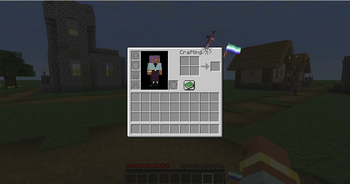
 查看大图
查看大图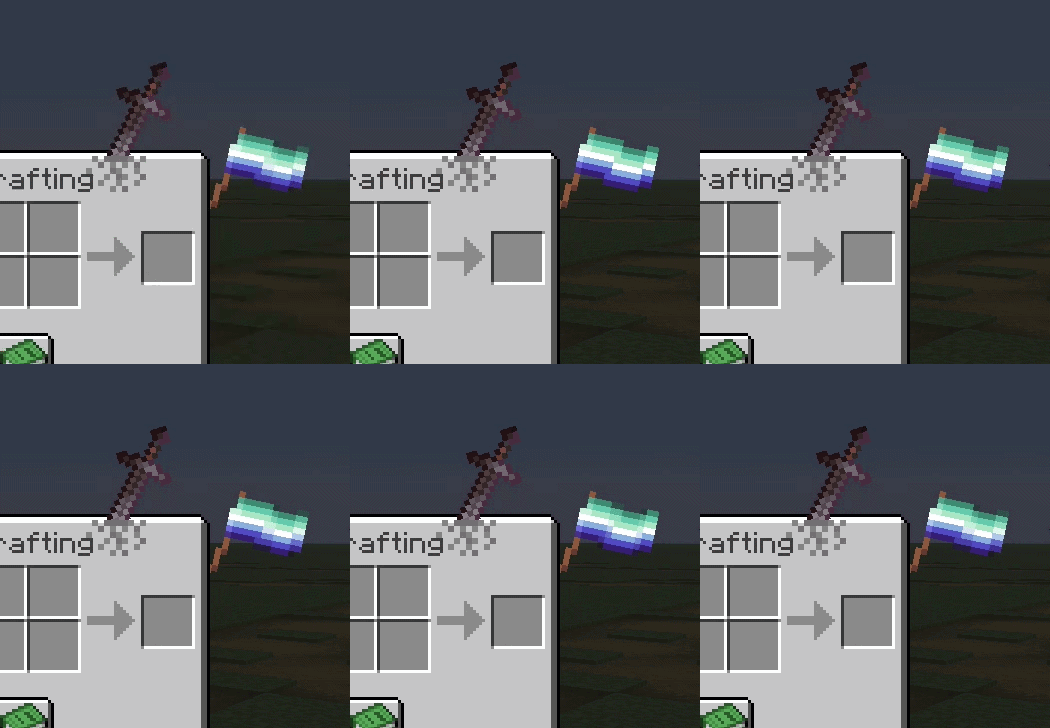
FancySprites
一个允许你在 HUD 和 GUI 的容器(物品栏)上放置精灵图的模组——简单来说
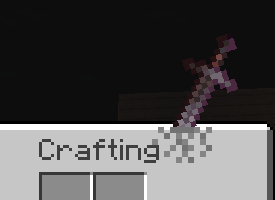
fsprites/sword.mcmeta
{
  "enabled": true,
  "description": "剑主题精灵图示例 - Log :3",
  "id": "sword",
  "gui": ["minecraft:inventory"],
  "anchor": "top_right",
  "z_index": 1,
  "pos": [200, -35],
  "scale": 0.22
}
以及在 fsprites/sword 目录中的图片 0.png
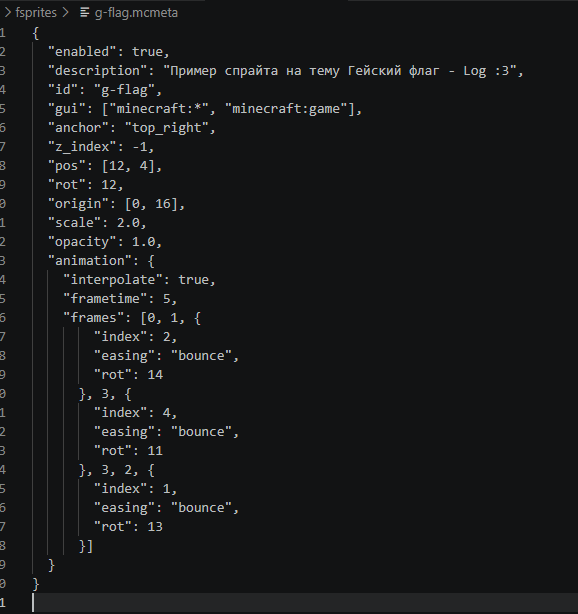
参数众多:
| 属性 | 类型 | 默认值 | 描述 |
|---|---|---|---|
enabled |
布尔值 | - | 必填。 设为 true 以加载精灵图(但精灵图可以在菜单中启用或禁用) |
id |
字符串 | - | 必填。 ID,也用作名称 |
visible |
布尔值 | true |
精灵图可见性 |
gui |
字符串或字符串数组 | minecraft:* |
目标 GUI;支持精确标识符、通配符和否定,例如 "!minecraft:game" |
anchor |
字符串 | top_left |
定位锚点 |
pos |
[x, y] | [0, 0] | 相对于锚点的位置偏移 |
rot |
整数 | 0 |
旋转角度(度) |
scale |
浮点数 | 1.0 |
缩放比例 |
opacity |
浮点数 | 1.0 |
透明度(0.0–1.0) |
z_index |
整数 | 0 |
图层(正数=在上方,负数=在下方) |
blend |
字符串 | normal |
混合模式 |
fit |
字符串 | stretch |
纹理缩放模式 |
width |
整数/自动 | auto |
精灵图宽度 |
height |
整数/自动 | auto |
精灵图高度 |
origin |
[x, y] | [0, 0] | 旋转/缩放中心 |
screen_space |
布尔值 | false |
使用屏幕坐标而非 GUI 相对坐标 |
animation |
对象 | - | 动画配置 |
关于 anchor
top_left     top     top_right
  left      center     right
bottom_left  bottom  bottom_right
关于 gui
minecraft:inventory              minecraft:chest
minecraft:creative_inventory     minecraft:large_chest
minecraft:furnace                minecraft:crafting_table
minecraft:anvil                  minecraft:enchanting_table
minecraft:beacon                 minecraft:brewing_stand
minecraft:dispenser              minecraft:hopper
minecraft:shulker_box            minecraft:barrel
minecraft:villager               minecraft:horse
minecraft:game                   minecraft:* (所有界面)
关于 blend
normal- Minecraft GUI 的标准 Alpha 混合- 还有
additive、multiply、screen
动画缓动
none、linear、ease_in、ease_out、ease_in_outbounce、elastic、step、smooth
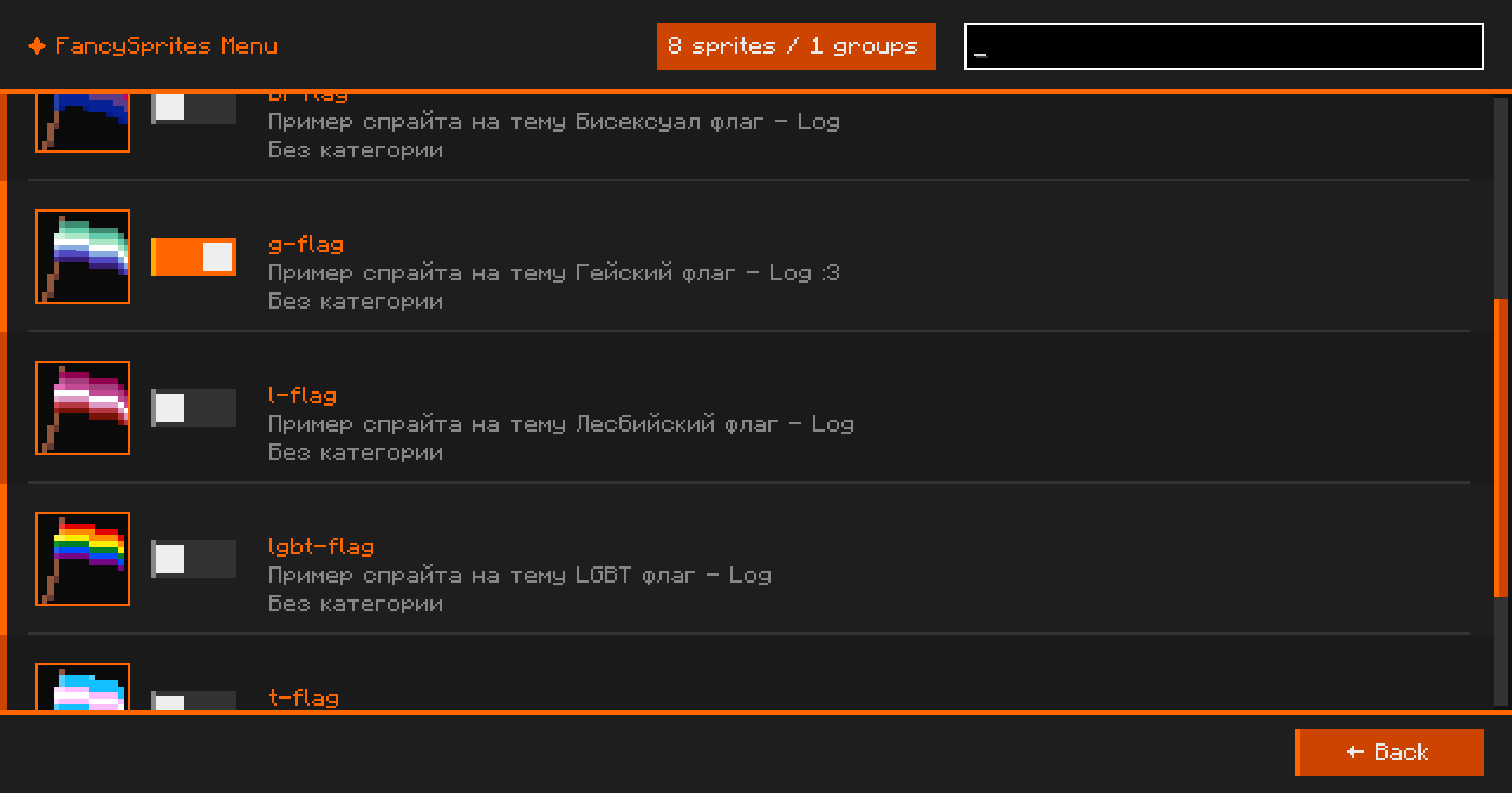
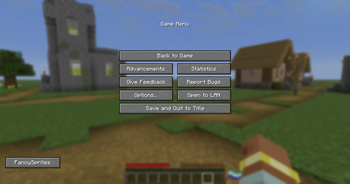
在 ESC 界面中,右下角有一个 FancySprites 按钮,用于打开模组菜单
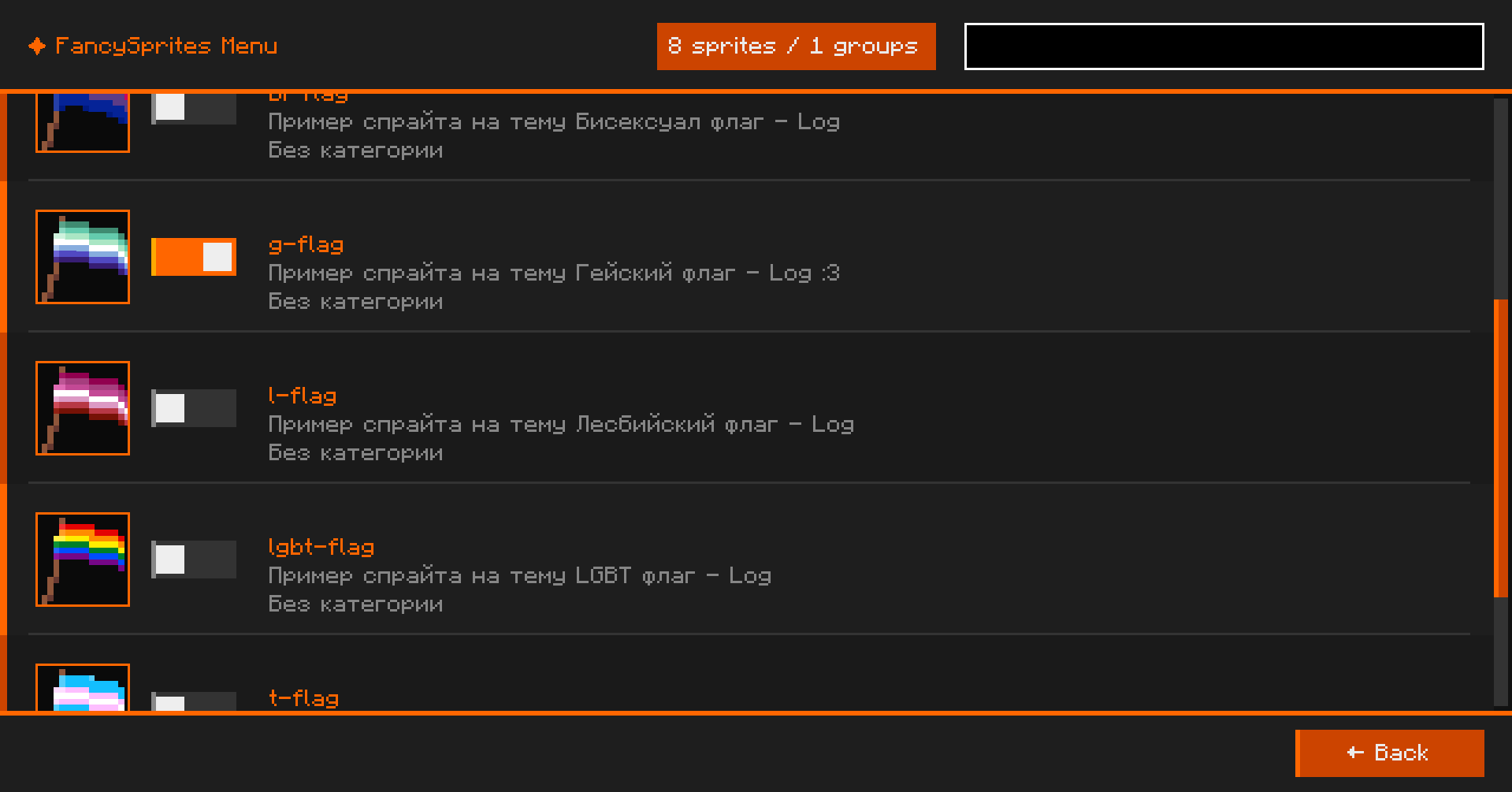 在这里可以启用和禁用已创建的精灵图
RAR 压缩包中的精灵图示例
将其中所有精灵图移动到 fsprites/ 目录下
还没有人评论,去客户端里说两句吧。
评论在新手盒子客户端中发表,这里同步展示。