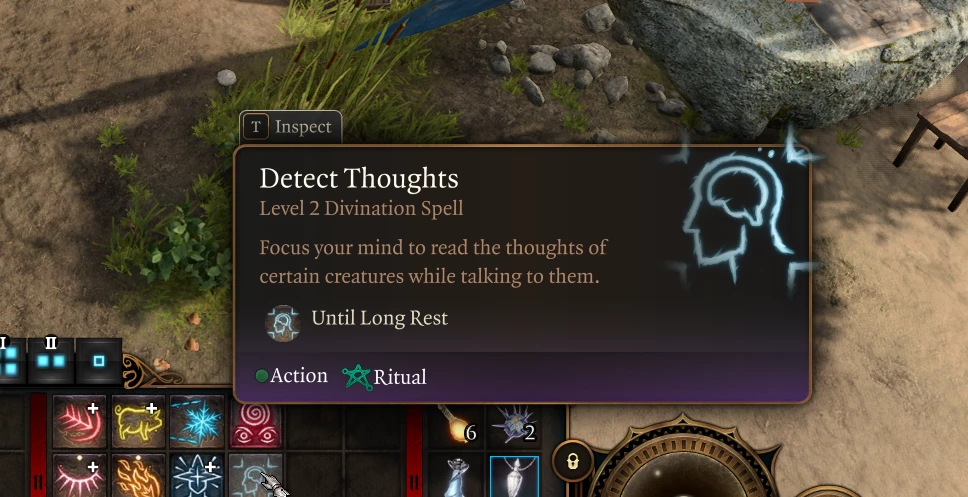
无法集中精神 侦测思想
无法集中精神 侦测思想
 查看大图
查看大图要通过 BG3MM 成功安装此模组:(需预先安装完整版 Mod Fixer,并遵循提供的安装说明)
- 手动下载该模组。
- 将模组解压至您选择的目录。
- 通过搜索栏导航至
%appdata%,然后进入/Local/Larian Studios/Baldur's Gate 3/Mods路径,将.pak文件整合到 BG3 Mods 文件夹中。 - 启动 BG3MM。如果右侧的 "Inactive Mods" 下未显示该模组,请使用正上方的刷新按钮。(若模组仍未显示,请确认
.pak文件是否位于正确位置。) - 将模组从 "Inactive Mods"(右侧)部分移至 "Active Mods"(左侧)部分。
- 点击 "File" 选项并选择 "Export Order to Game"(Ctrl + E)。
- 开始游戏。
不使用 BG3MM 进行安装
手动下载该模组。
将模组解压至您选择的目录。
通过搜索栏进入
%appdata%,然后导航至/Local/Larian Studios/Baldur's Gate 3/Mods,将.pak文件整合到 BG3 模组文件夹中。将以下文本添加到
AppData\Local\Larian Studios\Baldur's Gate 3\PlayerProfiles\Public中的modsettings.lsx文件内,置于<children>标签之间。<node id="ModuleShortDesc"> <attribute id="Folder" value="NoConcentrationDetectThoughts" type="LSString" /> <attribute id="MD5" value="" type="LSString" /> <attribute id="Name" value="无专注侦测思想" type="LSString" /> <attribute id="UUID" value="8e682b54-39bf-11ee-be56-0242ac120002" type="FixedString" /> <attribute id="Version64" value="36028797018963968" type="int64" /> </node>
正在加载版本记录…
正在加载评论…
评论在新手盒子客户端中发表,这里同步展示。