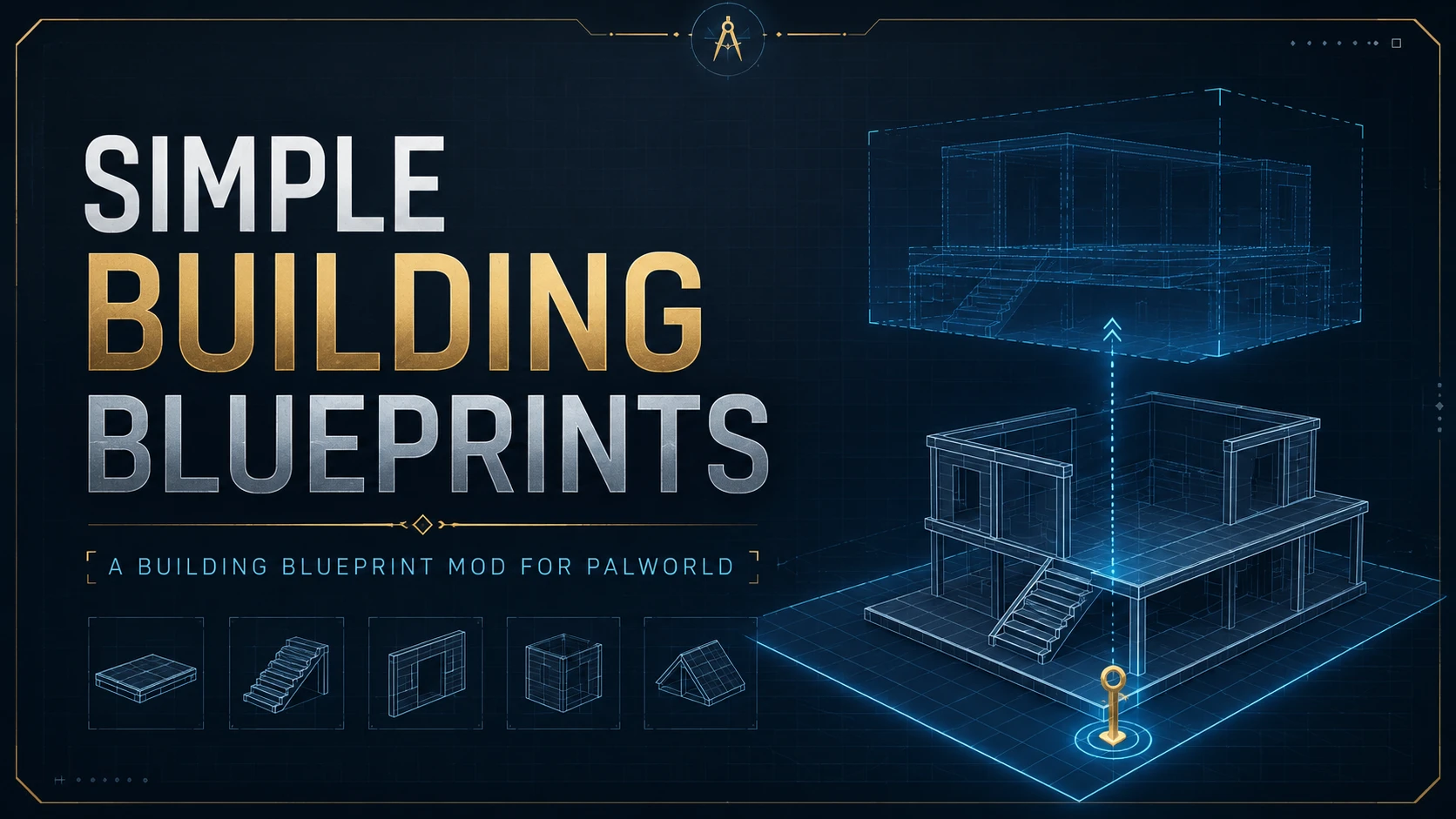
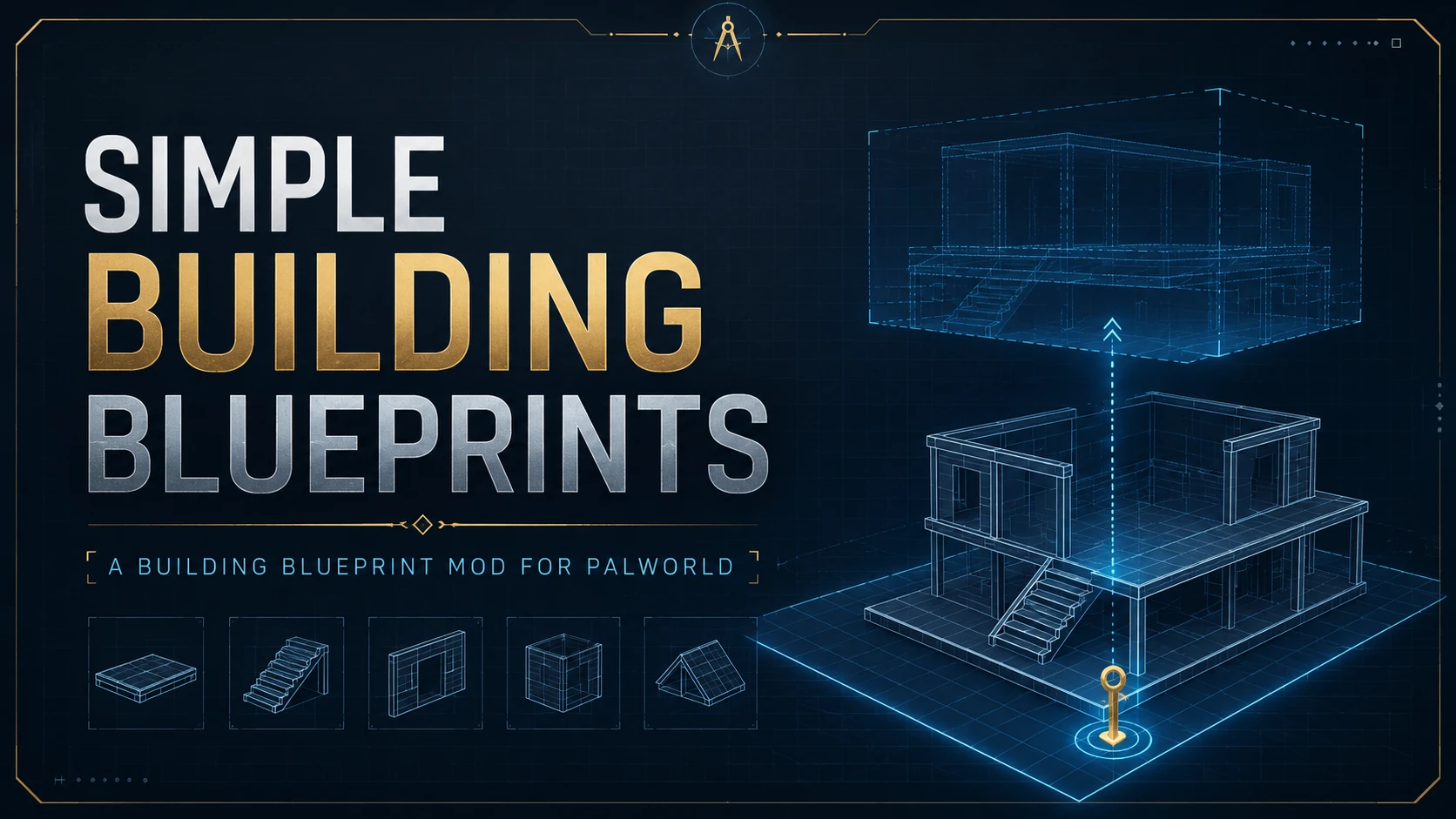
简单建筑蓝图
复制、保存并一次性放置多个结构。
 查看大图
查看大图[quote]“我不会造宫殿,但我等不及要拥有我自己的宫殿了!” “I can’t build a palace, but I can’t wait to have a palace of my own!”[/quote]# 介绍 / Description
Simple Building Blueprints 为游戏的建造面板加入“创建蓝图”和“放置蓝图”两个功能。 Simple Building Blueprints adds two new options to the game’s Build Menu: Create Blueprint and Place Blueprint.
你可以选择多个已经建造完成的建筑,将其中一个建筑设置为锚点,并将整组建筑相对于锚点的位置、朝向和连接信息保存为蓝图码。 You can select multiple structures that have already been built, set one of them as the anchor, and save the positions, orientations, and connection information of the entire group relative to that anchor as a blueprint code.
之后,你可以通过蓝图码还原这组建筑,以锚点作为放置中心进行预览,并一次性提交整套蓝图的建造。 You can then restore the group from the blueprint code, preview it using the anchor as the placement center, and submit the entire blueprint for construction with a single click.
这个 Mod 主要用于快速放置大片地基、复制重复建筑结构,以及保存和搬运其他玩家设计的优秀建筑组合。 This mod is mainly intended for quickly placing large areas of foundations, copying repeated building structures, and saving or transferring excellent building designs created by other players.
当前版本使用剪贴板中的蓝图码导入和导出蓝图,暂时不包含本地蓝图保存、缩略图、蓝图列表和蓝图库管理功能。 The current version imports and exports blueprints through blueprint codes stored in the clipboard. Local blueprint saving, thumbnails, blueprint lists, and blueprint library management are not currently included.
安装说明 / Installation Instructions
安装或更新前,请完全退出 Palworld。 Close Palworld completely before installing or updating the mod.
安装 Palworld 专用 experimental RE-UE4SS。
普通玩家请选择 UE4SS-Palworld.zip。体积较大的 UE4SS-Palworld_zDev.zip 仅供 Mod 开发者使用。 Install the Palworld-specific experimental RE-UE4SS. Regular players should download UE4SS-Palworld.zip. The larger UE4SS-Palworld_zDev.zip package is only intended for mod development.
将 UE4SS 压缩包解压到以下目录:
将 UE4SS 压缩包解压到以下目录: Extract the UE4SS archive into:
Palworld\Pal\Binaries\Win64\完成后,应当能够看到: After installation, the following files should exist:
Palworld\Pal\Binaries\Win64\dwmapi.dll
Palworld\Pal\Binaries\Win64\ue4ss\UE4SS.dll
Palworld\Pal\Binaries\Win64\ue4ss\UE4SS-settings.ini
下载 Simple Building Blueprints,将压缩包直接解压到包含 Pal 文件夹的 Palworld 游戏根目录。
下载 Simple Building Blueprints,将压缩包直接解压到包含 Pal 文件夹的 Palworld 游戏根目录。 Download Simple Building Blueprints and extract the archive directly into the Palworld game folder containing the Pal directory.
不要将本 Mod 解压到 ~mods、LogicMods 或 UE4SS 的 Mods 文件夹中,因为压缩包已经包含完整的目录结构。 Do not extract this mod directly into ~mods, LogicMods, or the UE4SS Mods folder. The archive already contains the complete directory structure.
确认以下文件存在:
确认以下文件存在: Verify that these files exist:
Palworld\Pal\Binaries\Win64\ue4ss\Mods\BlueprintResearch\enabled.txt
Palworld\Pal\Binaries\Win64\ue4ss\Mods\BlueprintResearch\Scripts\main.lua
Palworld\Pal\Content\Paks\LogicMods\BlueprintResearch.pak
启动游戏并进入单机世界。本 Mod 会通过 enabled.txt 自动启用,不需要手动修改 mods.txt。
启动游戏并进入单机世界。本 Mod 会通过 enabled.txt 自动启用,不需要手动修改 mods.txt。 Launch the game and enter a single-player world. The mod is automatically enabled through enabled.txt; you do not need to edit mods.txt.
请勿同时安装手动版 UE4SS 和 Steam Workshop 版 UE4SS。 同时加载两个 UE4SS 实例会导致游戏崩溃。 Do not install manual UE4SS and the Steam Workshop edition of UE4SS at the same time. Loading two copies of UE4SS will cause the game to crash.
主要功能 / Main Features
建造面板会在拆除模式和喷涂模式之后显示两个额外按钮:创建蓝图和放置蓝图。
The Build Menu now displays two additional buttons after Demolish Mode and Paint Mode: Create Blueprint and Place Blueprint.

创建蓝图 / Creating a Blueprint
点击创建蓝图按钮进入创建蓝图模式后,你可以像使用拆除模式或喷涂模式一样,通过准星射线选定目标建筑。 After clicking the Create Blueprint button to enter Create Blueprint Mode, you can target structures with the crosshair ray, just like when using Demolish Mode or Paint Mode.
被射线命中且处于有效距离内的建筑会被渲染成橙色半透明材质,方便确认当前指向的目标。
Structures that are hit by the ray and within range will be rendered with an orange translucent material, making it easier to confirm your current target.

使用鼠标左键选择当前建筑。被选中的建筑会被标记成黄色,你可以继续选择多个建筑。
Use the left mouse button to select the current structure. Selected structures will be highlighted in yellow, and you can continue selecting multiple structures.

你也可以使用鼠标中键进行建筑框选(小木斧),框选过程中会渲染出当前的选择框。
You can also use the middle mouse button for box selection (Wooden Axe). The selection box will be rendered while you are selecting structures.

使用鼠标右键点击一个已经选中的建筑,可以将其设置为蓝图锚点。锚点会被渲染成蓝色半透明材质,并在之后放置蓝图时作为整个蓝图的根建筑。蓝图中的其他建筑会记录其相对于锚点的位置和朝向,并且所有连接和支撑合法性判断都会依赖这个锚点,所以请谨慎选择。
Right-click one of the selected structures to set it as the blueprint anchor. It will be rendered with a blue translucent material and will serve as the root structure when the blueprint is placed later. Other structures in the blueprint will record their positions and orientations relative to the anchor, and all connection and support validity calculations depend on it, so choose carefully.

你可以在不同的已选建筑之间切换锚点,蓝图必须拥有锚点后才能保存。 You can switch the anchor between different selected structures. A blueprint must have an anchor before it can be saved.
当前已选择建筑所需的全部建造材料也会显示在界面右侧,虽然你大概不会经常用到这个功能。
The total materials required by the currently selected structures will also be displayed on the right, although you probably will not need this feature very often.

按下 Z 保存蓝图并退出创建蓝图模式。 Press Z to save the blueprint and exit Create Blueprint Mode.
生成和分享蓝图码 / Generating and Sharing Blueprint Codes
保存蓝图后,蓝图中的建筑类型、相对位置、朝向和连接信息会被编码成蓝图码,并自动复制到剪贴板中。 After the blueprint is saved, the structure types, relative positions, orientations, and connection information within the blueprint will be encoded into a blueprint code and copied to your clipboard.
你可以在游戏内或游戏外复制和分享这个蓝图。 You can copy and share this blueprint both inside and outside the game.
放置蓝图 / Placing a Blueprint
进入放置蓝图模式时,Mod 会读取并解析剪贴板中当前保存的蓝图码,然后将其还原为运行时建筑状态。 When entering Place Blueprint Mode, the mod reads and parses the blueprint code currently stored in your clipboard, then restores it as runtime building states.
蓝图锚点会像普通建造模式中的建筑一样,作为当前的放置中心。 The blueprint anchor serves as the current placement center, just like a structure in the normal building mode.
其他建筑则会以幽灵模型的形式显示,并保留创建蓝图时相对于锚点的位置和朝向。 Other structures are displayed as ghost models while preserving the relative positions and orientations they had when the blueprint was created.
当你移动锚点,或者使用鼠标滚轮旋转锚点时,蓝图中其他建筑的位置和朝向也会相应更新,方便你在正式建造前预览整套结构。
As you move the anchor or rotate it using the mouse wheel, the positions and orientations of the other structures in the blueprint will update accordingly, allowing you to preview the entire structure before building it.

如果当前蓝图中的部分建筑与世界中的物体发生重叠,例如帕鲁、其他建筑、掉落物、树木,或者因为埋入地面太深而与地形发生重叠,那么蓝图将无法放置。 If some structures in the current blueprint overlap with objects in the world, such as Pals, other structures, dropped items, trees, or terrain when buried too deeply into the ground, the blueprint cannot be placed.
此时会显示提示信息,并将发生重叠的幽灵建筑变成红色。 A message will be displayed, and the overlapping ghost structure will turn red.
出于性能考虑,当前版本只会将第一个检测到重叠的建筑标记为红色,随后便会停止本次重叠检测。这样可以避免在检测超大型蓝图时导致游戏卡死。
For performance reasons, the current version only turns the first detected overlapping structure red and then stops the overlap check. This prevents overlap detection on extremely large blueprints from freezing the game.

建造界面右侧的材料栏会显示当前蓝图所需的建造材料,但最多只能显示四种材料。
The materials panel on the right side of the building interface displays the materials required by the blueprint, but it can show no more than four material types.

材料缺少数量最多的项目会优先显示。 Materials with the largest shortages are displayed first.
如果你没有准备齐整套蓝图所需的全部材料,那么蓝图将无法开始放置,即使你拥有的材料已经足够建造其中一部分建筑。 If you do not have all of the materials required when building, the blueprint cannot be placed, even if you have enough materials to construct part of it.
波次建造 / Wave-Based Construction
这是一个 client-only Mod。 This mod is a client-only mod.
放置蓝图时,本 Mod 不会——实际上也无法——强制服务器一次性生成所有建筑。 When placing a blueprint, the mod does not—and cannot—force the server to generate all structures at once.
它只能使用服务器原本的建造提交接口。 It can only use the server’s normal construction submission interface.
也就是说,你无法使用这个 Mod 快速复制本来无法合法建造的建筑结构,例如悬空的牧场或种植园。
In other words, you cannot use this mod to quickly reproduce illegal building structures, such as floating farms or crop plots.


当然,手动建造这些东西本身也挺有意思的。 Of course, building those things manually can also be quite fun.
Mod 会根据建筑之间的连接关系和当前的建造合法性,搜索当前能够正常建造的建筑,然后通过游戏原版的建造流程依次提交。
The mod searches for structures that can currently be built based on their connections and construction validity, then submits them one by one through the game’s original construction process.

每完成一个波次,Mod 都会以已经建造完成的结构为基础,继续搜索下一批能够合法建造的建筑。这个过程会持续进行,直到整套蓝图全部建造完成。因此,在放置蓝图之后,你可以看到各个幽灵预览按照建造顺序,逐渐被真实建筑替换。
After each wave is completed, the mod uses the structures that have already been built as the basis for finding the next group of structures that can be legally constructed. This process continues until the entire blueprint has been completed. As a result, after placing a blueprint, you can watch the ghost previews gradually be replaced by real structures in construction order.

但请注意: 游戏每次收到建造请求时,都会重新检查你当前的背包状态。如果你在蓝图仍然处于建造过程中时离开基地,并且你自己携带的材料不足以完成剩余部分,那么建造过程将会停止。已经完成建造的建筑不会消失。
However, please note: Every time a construction request is made, the game checks the current state of your inventory again. If you leave the base while the blueprint is still being constructed and you are not personally carrying enough materials to complete the remaining structures, the construction process will stop. Structures that have already been built will not disappear.

Mod 实现了比较初级的连接与支撑合法性检测门禁,但我不能保证它一定能够正常工作,尤其是在具有极其复杂支撑关系的蓝图上。 The mod implemented a relatively basic validation gate for connection and support legality, but I cannot guarantee that it will always work correctly, especially on blueprints with extremely complex support relationships.
你甚至可以在第一个蓝图仍在建造的过程中放置第二个蓝图……前提是你的电脑能挺得住。 You can even place a second blueprint while the first one is still being constructed... as long as your computer can handle it.
目前,本 Mod 只在单机模式下完成了测试,不确定它是否能在联机模式下正常工作。 At present, this mod has only been tested in single-player mode, and I am not sure whether it will work correctly in multiplayer.
前置要求 / Requirements
Palworld 1.0,Windows Steam 版本。 Palworld 1.0 for Windows through Steam.
当前版本在 Steam Build 24181527 上完成测试。 The current version was tested with Steam Build 24181527.
Palworld 专用 experimental RE-UE4SS
普通玩家使用 UE4SS-Palworld.zip 即可,不需要 zDev 版本。 Regular players only need UE4SS-Palworld.zip. The zDev package is not required.
UE4SS 自带的 BPModLoaderMod 必须保持启用。正常安装 UE4SS 时默认已经启用。 The built-in UE4SS BPModLoaderMod must remain enabled. It is enabled by default in a normal UE4SS installation.
当前版本只验证了键盘和鼠标操作。 Only keyboard and mouse controls have been verified in the current version.
本 Mod 目前仍处于早期开发阶段。 This mod is still in an early stage of development.
其他修改建造面板、建造输入或建筑提交逻辑的 Mod 也可能与本 Mod 冲突。 Other mods that replace the Build Menu, construction input, or building submission logic may conflict with this mod.
部分特殊建筑、其他 Mod 添加的建筑,或者使用特殊连接规则的建筑,可能无法被正确保存或放置。 Some special structures, structures added by other mods, or structures that use special connection rules may not be saved or placed correctly.
卸载 / Uninstallation
完全退出游戏,然后删除: Close the game completely, then delete:
Palworld\Pal\Binaries\Win64\ue4ss\Mods\BlueprintResearch
Palworld\Pal\Content\Paks\LogicMods\BlueprintResearch.pak
BlueprintResearch 是本 Mod 为保持兼容性而继续使用的内部包名。 BlueprintResearch is the stable internal package name retained for compatibility.
通过本 Mod 建造的建筑都是原版建筑。卸载本 Mod 不会删除已经完成建造的建筑。 Structures placed through this mod are normal vanilla structures. Uninstalling the mod will not remove structures that have already been built.
安装或卸载任何游戏玩法 Mod 前,仍建议备份重要存档。 Backing up important saves before installing or uninstalling any gameplay mod is still recommended.
问题反馈 / Bug Reports
报告问题时,请尽量提供以下信息: When reporting a problem, please include:
Palworld 版本和 Steam Build; Palworld version and Steam Build;
UE4SS 版本; UE4SS version;
能够稳定复现问题的操作步骤; Steps that reliably reproduce the problem;
如果问题与特定蓝图有关,请附上对应的蓝图码; The relevant blueprint code if the problem is blueprint-specific;
UE4SS.log 中与 BlueprintResearch 有关的部分,不需要上传整个日志。 The section related to BlueprintResearch from UE4SS.log; the entire log is usually unnecessary.
日志位置: Log location:
Palworld\Pal\Binaries\Win64\ue4ss\UE4SS.log
鸣谢 / Shout Outs
感谢 RE-UE4SS 项目的所有贡献者,为 Unreal Engine 游戏提供 Lua Mod、反射、Hook 和蓝图加载能力。 Thanks to all contributors to RE-UE4SS for providing Lua modding, reflection, hooking, and Blueprint loading capabilities for Unreal Engine games.
特别感谢 Okaetsu 维护 Palworld 专用 experimental RE-UE4SS,使 UE4SS 能够适配当前版本的 Palworld。 Special thanks to Okaetsu for maintaining the Palworld-specific experimental RE-UE4SS build.
感谢 Palworld Modding Kit 的贡献者,为蓝图资产、Logic Mod 和原版界面集成提供开发基础。 Thanks to the contributors of the Palworld Modding Kit for providing the development foundation for Blueprint assets, Logic Mods, and native UI integration.
感谢 Palworld Modding Community 以及围绕 Palworld Modding Kit 建立的相关社区,为 Mod 开发者提供工具、文档和技术讨论。 Thanks to the Palworld Modding Community and the communities surrounding Palworld Modding Kit for providing tools, documentation, and technical discussions.
感谢所有参与测试、报告问题以及分享蓝图的玩家。 Thanks to everyone who has helped test the mod, report issues, and share blueprints.
Palworld 及其原版资产归 Pocketpair, Inc. 所有。本项目是非官方社区 Mod。 Palworld and its original assets are property of Pocketpair, Inc. This is an unofficial community mod.
正在加载版本记录…
正在加载评论…
评论在新手盒子客户端中发表,这里同步展示。