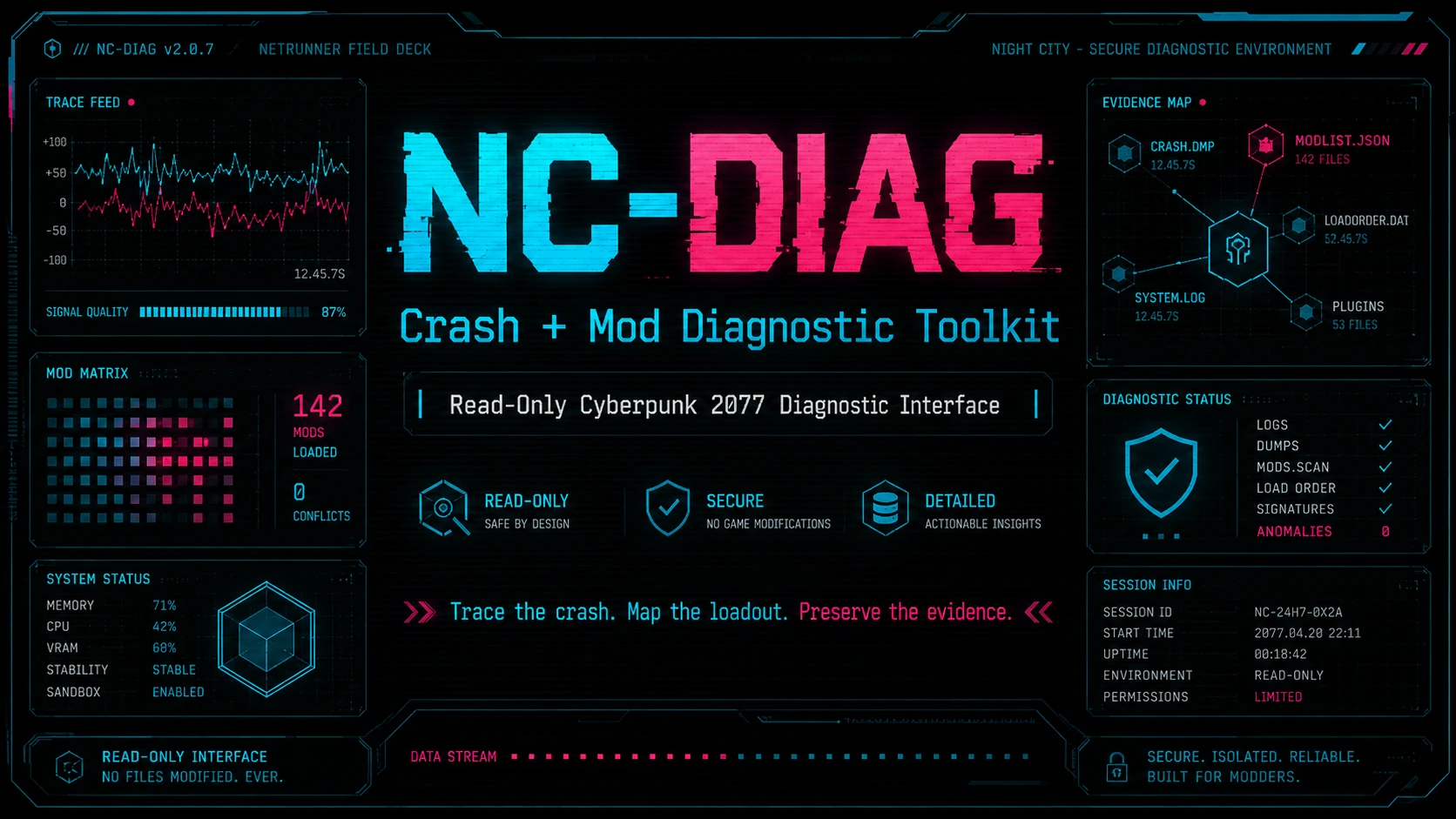
NC-DIAG - Crash and Mod Diagnostic Toolkit
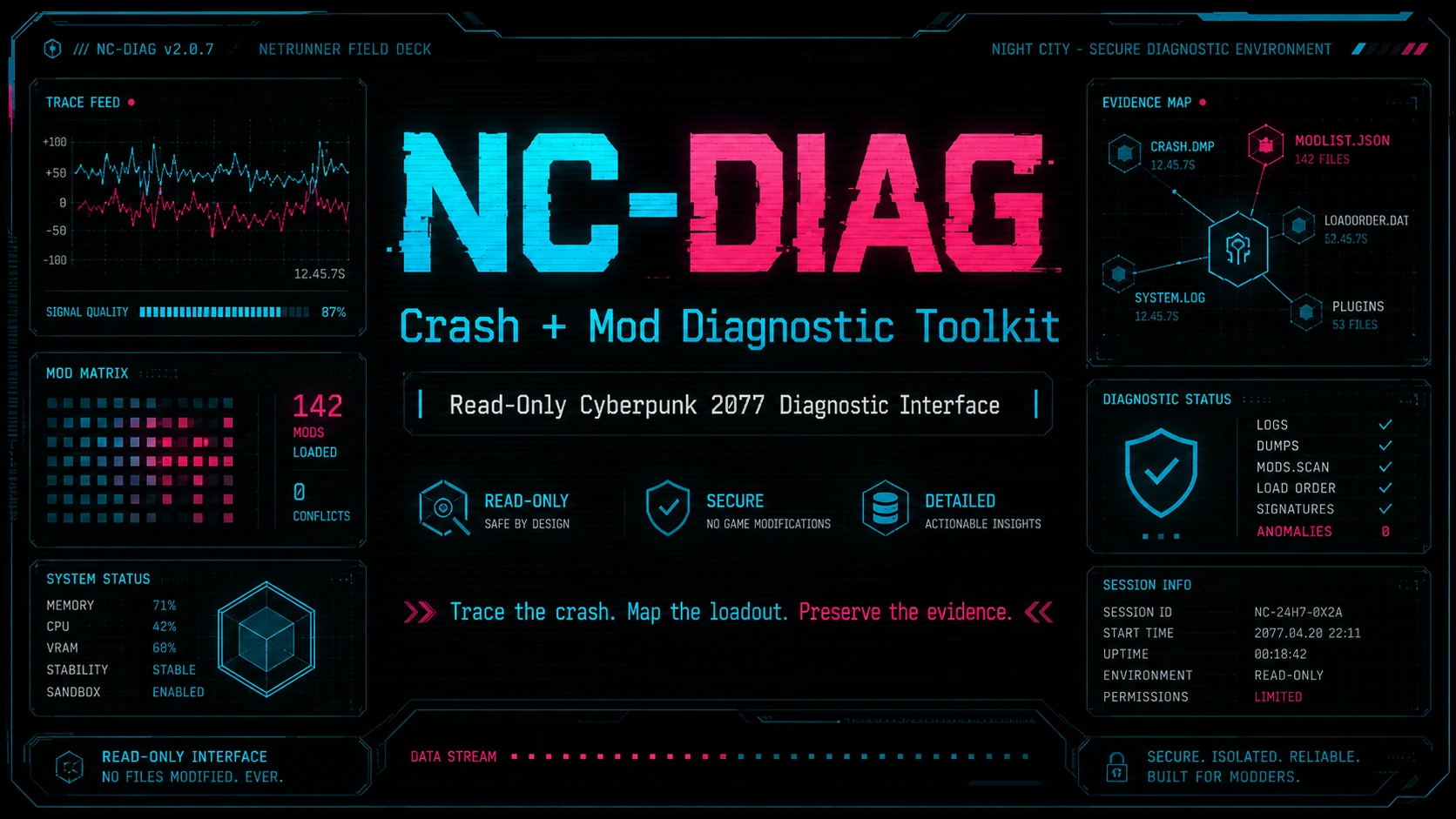
Read-only Cyberpunk 2077 crash, mod and stability diagnostic toolkit. Scans logs, tracks loadout changes, checks frameworks, and builds structured reports and evidence bundles without modifying your game or mods.
 查看大图
查看大图[b]NC-DIAG v1.0 // PUBLIC RELEASE[/b]
[code]LOCAL BREACH DIAGNOSTIC INTERFACE // READ-ONLY MODE[/code]
> SIGNAL ACQUIRED
> INCIDENT EVIDENCE DETECTED
> MOD STATE CONTROL ........ DISABLED
> NETWORK TRANSMISSION ..... DISABLED
> DIAGNOSTIC DECK .......... READY
[line]
// YOUR GAME CRASHED.
[b]The logs survived.[/b]
NC-DIAG is a read-only Cyberpunk 2077 crash, mod, and stability diagnostic toolkit built for heavily modded PC installations.
Cyberpunk problems rarely leave all of their evidence in one place. Crash data may be sitting beside old framework errors. A broken mod may appear in a shared scripting log. A stable loadout may have changed twenty minutes before the game started falling apart.
[quote][b]NC-DIAG gathers that evidence into one structured diagnostic workflow.[/b][/quote]It does not fix mods. It does not touch your load order. It does not decide guilt automatically.
[b]It gives you better evidence.[/b]
[line]
// WHAT IS NC-DIAG?
NC-DIAG is more than a single crash-log scanner.
It can examine crash signals, framework logs, deployed mods, optional Vortex staging data, historical crash events, previous-run changes, known-good baselines, watchlist entries, Nexus mod families, and generated diagnostic reports.
[quote][b]Separate the useful signal from the noise and preserve enough evidence to investigate what actually changed.[/b][/quote][b]THE DECK CAN:[/b]
[list]
[]scan crash signals and runtime logs[/]
[]preserve crash events and crash dumps[/]
[]classify evidence as Current, Recent, or Historical[/]
[]group recurring faults by mod or component[/]
[]use the newest matching error instead of blindly surfacing old evidence[/]
[]inventory deployed mods[/]
[]read optional Vortex staging folders[/]
[]compare the current loadout with the previous run[/]
[]save a known-good stable baseline[/]
[]compare the current loadout against that baseline later[/]
[]check common Cyberpunk mod frameworks[/]
[]run user-defined watchlist searches[/]
[]analyze signal noise and related Nexus mod families[/]
[]build a compact Quick Health summary[/]
[]generate a full HTML diagnostic report[/]
[]create shareable evidence bundles[/]
[]build an evidence manifest[/]
[]check bundled evidence for missing and duplicate paths[/]
[/list][line]
// CRASH INTELLIGENCE
[b]Not every error in a log belongs to your current crash.[/b]
Crash Intelligence is the main evidence-prioritization layer inside NC-DIAG.
Instead of treating every old warning, framework error, and historical crash as equally important, it attempts to separate evidence into:
[b]CURRENT[/b]
Evidence tied to the active or newest diagnostic session.
[b]RECENT[/b]
Relevant evidence from a nearby recent period.
[b]HISTORICAL[/b]
Older crash or runtime evidence preserved for context.
Crash Intelligence can also group repeated faults by mod or component and preserve separate historical crash events.
[quote][b]Important:[/b] a diagnostic finding is evidence for investigation. It is not automatic proof that one mod is the sole cause of a crash.[/quote][line]
// DEEP DIVE
Need the whole picture?
[9] DEEP DIVE
DEEP DIVE executes the complete 12-payload NC-DIAG workflow:
[list=1]
[][b]Preflight[/b][/]
[][b]Crash Signal Scanner[/b][/]
[][b]Deployed and Vortex Mod Inventory[/b][/]
[][b]Previous-Run Loadout Diff[/b][/]
[][b]Stable Baseline Diff[/b][/]
[][b]Watchlist Detector[/b][/]
[][b]Signal-Noise and Nexus Family Analysis[/b][/]
[][b]Framework Scan[/b][/]
[][b]Crash Intelligence[/b][/]
[][b]Quick Health Summary[/b][/]
[][b]HTML Report Builder[/b][/]
[][b]Evidence Bundle Builder[/b][/]
[/list]The result is a complete diagnostic pass instead of a single isolated log scan.
[line]
// READ-ONLY PROTOCOL
GAME FILE CONTROL ............. LOCKED
MOD STATE CONTROL ............. LOCKED
DEPLOYMENT CONTROL ............ LOCKED
NETWORK TRANSMISSION .......... OFFLINE
DIAGNOSTIC ACCESS ............. ACTIVE
[b]NC-DIAG never:[/b]
[list]
[]enables mods[/]
[]disables mods[/]
[]deletes mods[/]
[]moves mods[/]
[]redeploys mods[/]
[]updates mods[/]
[]repairs mods[/]
[]changes load order[/]
[]modifies Cyberpunk 2077 game files[/]
[]modifies mod files[/]
[]uploads reports[/]
[]sends telemetry[/]
[]contacts an update server[/]
[]connects to the internet[/]
[/list]NC-DIAG only creates or updates its own diagnostic data, including its own reports, snapshots, configuration, notes, bundles, caches, and history.
All BAT and PowerShell scripts are included as readable source files.
[line]
// SYSTEM REQUIREMENTS
[list]
[]Cyberpunk 2077 for PC[/]
[]Windows 10 or Windows 11[/]
[]Windows PowerShell 5.1 or newer[/]
[/list][b]Vortex is optional.[/b]
NC-DIAG does not require a specific mod framework to run. It reads and analyzes supported evidence when that evidence is available.
[line]
// FRAMEWORK SCAN
The Framework Scan can check for the presence of common Cyberpunk 2077 modding components, including:
[list]
[]Cyber Engine Tweaks[/]
[]RED4ext[/]
[]redscript[/]
[]ArchiveXL[/]
[]TweakXL[/]
[]Codeware[/]
[]Mod Settings[/]
[]Input Loader[/]
[]Native Settings UI[/]
[/list][b]NC-DIAG does not install, update, repair, or modify frameworks.[/b]
[line]
// INSTALLATION
[b]Manual installation is recommended.[/b]
NC-DIAG is a standalone diagnostic utility, not a game-file modification.
[list=1]
[]Close Cyberpunk 2077 and any older NC-DIAG session.[/]
[]Extract the included
[code]NC-DIAG[/code]folder.[/]
[]Recommended location:[/]
[/list]<Cyberpunk 2077 game folder>\NC-DIAG\
NC-DIAG can also run from another writable location.
[list=1]
[]Run
[code]NC_DIAG_Launcher.bat[/code].[/]
[]Choose
[code][1] Jack-in handshake[/code].[/]
[]Confirm or enter the Cyberpunk 2077 game folder.[/]
[]Enter your Cyberpunk 2077 Vortex staging folder if you use Vortex.[/]
[]Press Enter to skip the Vortex path if you do not use Vortex.[/]
[]Run
[code][17] Deck self-test[/code].[/]
[/list][line]
// FIRST RUN
[b]QUICK DIAGNOSTIC REVIEW[/b]
[16] Quick health shard
[19] Crash intelligence
[b]COMPLETE DIAGNOSTIC PASS[/b]
[9] DEEP DIVE
[b]BUILD A SUPPORT BUNDLE[/b]
Run DEEP DIVE, or run the individual scans you need and then:
[8] Encrypt evidence shard
Use
[code][18] Open latest evidence[/code]to locate the newest evidence bundle.
[line]
// STABLE BASELINE
Your game is running well. Your loadout feels stable. This is the time to mark it.
[13] Mark stable baseline
Later, after something changes:
[14] Compare stable delta
NC-DIAG can then show what changed between the known-good loadout and the current one.
It does not decide whether a change is good or bad. It records the difference for investigation.
[line]
// WATCHLIST
The public release ships with an empty watchlist.
config\watchlist_mods.txt
Add one mod name, folder name, filename, or search term per line.
The watchlist is useful for specific mods you are investigating, old leftovers, suspected filenames, known folder names, or custom terms you want NC-DIAG to search for.
[b]Do not use the watchlist for core framework names. Use Framework Scan instead.[/b]
[line]
// PRIVACY WARNING
[quote][b]REVIEW EVIDENCE BUNDLES BEFORE POSTING OR SHARING THEM PUBLICLY.[/b][/quote]Depending on the evidence available on your system, a bundle may contain:
[list]
[]local filesystem paths[/]
[]Windows usernames[/]
[]installed mod names[/]
[]loadout information[/]
[]framework logs[/]
[]runtime logs[/]
[]crash dumps[/]
[]crash metadata[/]
[/list]NC-DIAG never uploads or transmits an evidence bundle.
[b]Sharing is always a manual user action.[/b]
Every newly created evidence bundle includes a
[code]PRIVACY_NOTICE.txt[/code]file as a reminder to review the contents before sharing.
[line]
// INTERFACE ROUTES
[b]NC_DIAG_Launcher.bat[/b]
Main Netrunner Visual Deck interface.
[b]NC_DIAG_Launcher_CLASSIC.bat[/b]
Plain fallback menu. Use this if the visual interface does not render correctly.
[b]NC_DIAG_Launcher_DEBUG.bat[/b]
Debug launcher that keeps startup errors visible.
[line]
// UPGRADING
Do not extract a new release directly over an old development folder.
[list=1]
[]Close NC-DIAG.[/]
[]Rename the old folder as a backup.[/]
[]Extract the new NC-DIAG folder.[/]
[]Run the new launcher.[/]
[]Use
[code][1][/code]to configure paths.[/]
[]Run
[code][17][/code]Deck self-test.[/]
[/list]You may optionally restore user data you still want, such as a known-good stable baseline, custom watchlist terms, custom Crash Intelligence settings, or custom Crash Intelligence signatures.
[b]Do not copy an old version.json into the new release.[/b]
[b]Do not blindly restore an old nc_diag_config.json containing machine-specific paths.[/b]
[line]
// KNOWN LIMITATIONS
[list]
[]Diagnostic results depend on the quality and timestamps of logs produced by the game, frameworks, and mods.[/]
[]A reported fault is evidence for investigation, not automatic proof that a mod is the sole cause of a crash.[/]
[]Vortex staging discovery can vary by user configuration. Manual path entry is supported.[/]
[]Crash dumps and raw logs may contain more private system detail than normal text reports.[/]
[]NC-DIAG cannot diagnose evidence that the game or a framework never recorded.[/]
[/list][line]
// SUPPORT PROTOCOL
[b]FOR A GAME OR MOD PROBLEM[/b]
[list=1]
[]Reproduce the issue if practical.[/]
[]Run
[code][9] DEEP DIVE[/code].[/]
[]Review
[code][16] Quick health shard[/code].[/]
[]Review
[code][19] Crash intelligence[/code].[/]
[]Use
[code][18][/code]to locate the newest evidence bundle.[/]
[]Review the bundle for private information before sharing it.[/]
[/list][b]FOR A PROBLEM WITH NC-DIAG ITSELF[/b]
[list=1]
[]Run
[code][17] Deck self-test[/code].[/]
[]Repeat the menu action that failed.[/]
[]Check
[code]reports\latest[/code]for the newest NC-DIAG error or run-log file.[/]
[/list]Include:
[list]
[]NC-DIAG version[/]
[]Windows version[/]
[]exact menu option used[/]
[]what happened[/]
[]what you expected to happen[/]
[/list][line]
// FAQ
[b]DOES NC-DIAG FIX MY MODS?[/b]
No. NC-DIAG identifies and organizes evidence. It does not automatically repair or change a mod installation.
[b]WILL NC-DIAG DISABLE A MOD IT THINKS IS BROKEN?[/b]
No. NC-DIAG never enables, disables, moves, deletes, or redeploys mods.
[b]DO I NEED VORTEX?[/b]
No. Vortex integration is optional.
[b]DO I NEED CET, RED4EXT, OR ARCHIVEXL?[/b]
No. NC-DIAG can run without them. Framework Scan reports supported framework evidence when those frameworks are present.
[b]DOES NC-DIAG CONNECT TO THE INTERNET?[/b]
No. There is no telemetry, update server, report upload system, or automatic network transmission.
[b]DOES EVERY CRASH INTELLIGENCE FINDING MEAN THAT MOD CAUSED THE CRASH?[/b]
No. A finding is evidence to investigate. Modded games often produce secondary errors, shared-log failures, old historical warnings, and cascading faults.
[b]SHOULD I SHARE MY ENTIRE EVIDENCE BUNDLE PUBLICLY?[/b]
Only after reviewing it. Diagnostic evidence may contain local paths, usernames, mod names, framework logs, and crash data.
[line]
// UNINSTALLATION
Close NC-DIAG and delete its folder.
NC-DIAG does not install services, drivers, scheduled tasks, registry entries, or background processes.
It does not place files outside its own folder.
[line]
[code]> DIAGNOSTIC SESSION AVAILABLE
> READ-ONLY PROTOCOL CONFIRMED
> SIGNAL PROCESSING READY[/code]
[b]NC-DIAG v1.6.0[/b]
[b]TRACE THE CRASH. MAP THE LOADOUT. PRESERVE THE EVIDENCE.[/b]
[code]BLACK ICE SWEEP // FIELD DECK READY[/code]
[line]
NC-DIAG was created out of a personal need to help me manage 2000+ mod builds. With it i was able to discover several issues that led to a mod conflicts and just mods in general that weren't exactly conflicting but that due to interference between them cause noisy CET errors. Over the past month or so i have gotten it to where it is now. Eventually, i plan for a proper program with full UI and better diagnostic behavior. But in the meantime i figured this might help someone else as it has me.
正在加载版本记录…
正在加载评论…
评论在新手盒子客户端中发表,这里同步展示。