Make Your Own Radio Station
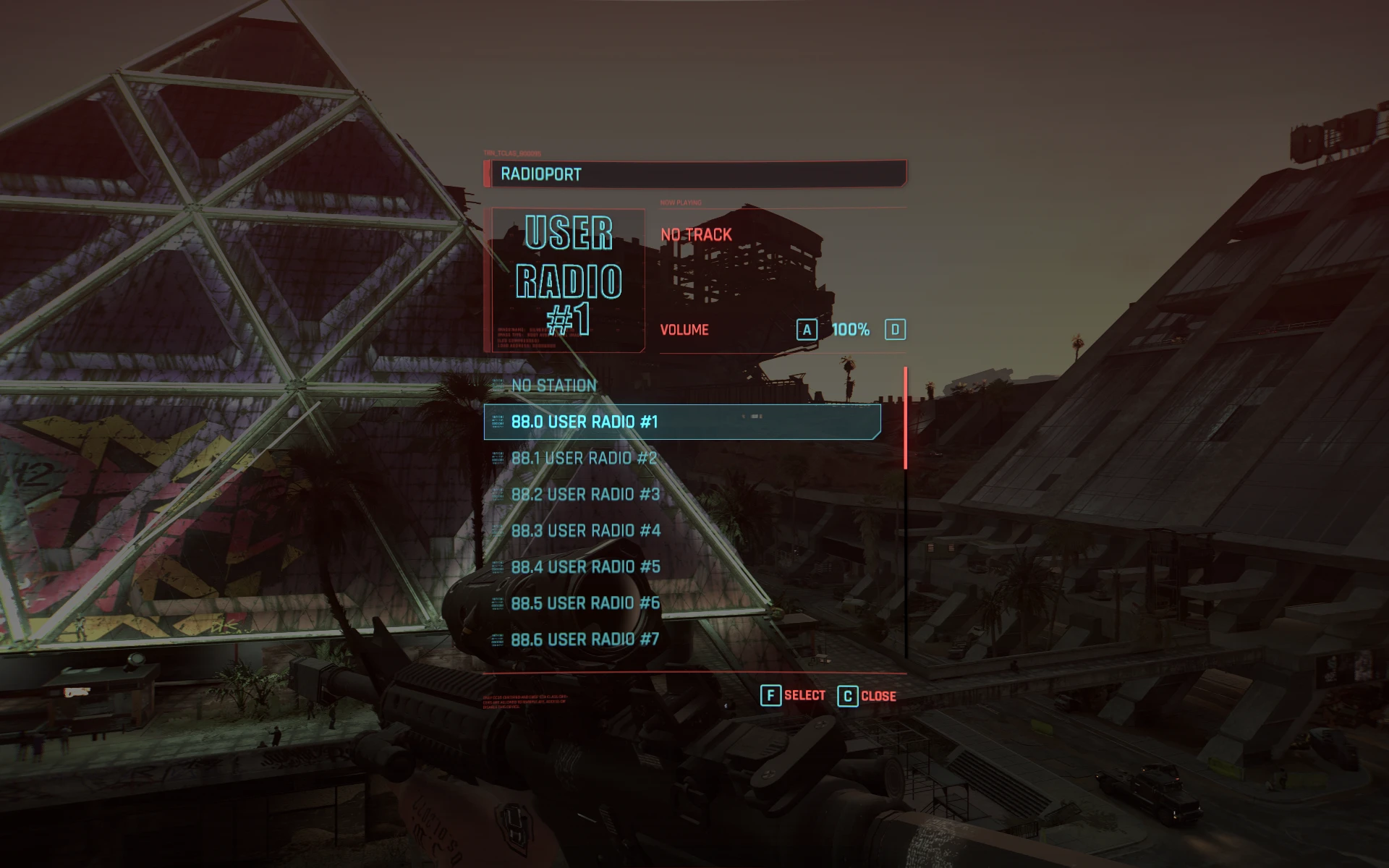
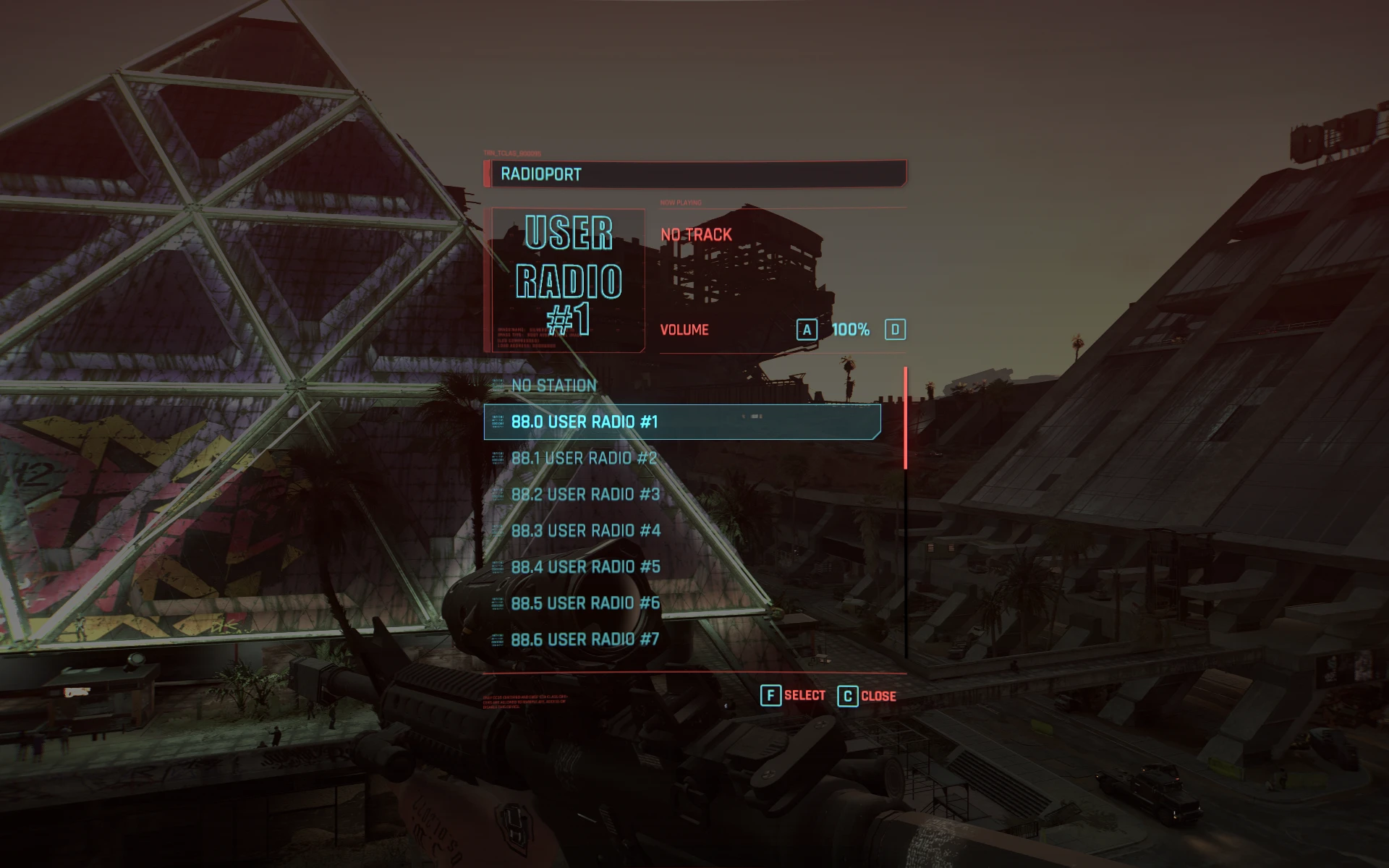
Ever wanted to make a radio station with your own music? Now you can do it easily with this blank radio station. Just drop music tracks in the folder and load the user radio station in game!
 查看大图
查看大图[b][size=4]This mod is simply a blank radio station called "User Radio" with a premade icon and metadata setup so you don't need to do anything other than drop some music files into the bin folder.[/size]
[/b]
[list]
[][color=#ffffff][b]Supported formats are: [b].mp3 [/b][/b][b][b].wav [b].ogg [/b][/b][/b][b][b].flac [/b][/b][b][b].mp2 [/b][/b][b][b].wax [/b][/b][b].wma[/b][/color][/]
[/list]
[b][color=#00ff00][size=6]Installation via Vortex:[/size][/color]
[color=#ffffff]
[size=4]Download and install via Vortex like any other mod.
You'll get a message from Vortex. Just ignore and hit yes install to staging anyways. [/size][/color]
[/b]
[b][size=4]Right click the mod inside Vortex and click open in file manager. Open the bin folder and navigate down through them until you reach the folder with the [color=#00ff00]metadata.json[/color] file. [/size]
[size=5]This is the folder where you dump your music files.[/size][/b]
[b][size=4]Your file path will look like this:
\bin\x64\plugins\cyber_engine_tweaks\mods\radioExt\radios\UserRadio[/size]
[/b]
[b][color=#ff0000][size=6]HIT DEPLOY MODS AFTER ADDING THE FILES OR ELSE THE WHOLE STATION MIGHT NOT SHOW UP AT ALL.[/size][/color]
[color=#00ff00][size=6]Manual Installation: [/size][/color][/b]
[b]
[size=4]Download and unzip the file. Open the bin folder and navigate down until you reach the folder with the [color=#00ff00]metadata.json[/color] file. [/size][/b]
[b][size=4]Add your music files to this folder. [/size]
[size=4]Copy both the archive and bin folders to the game directory and add them. [/size][/b]
正在加载版本记录…
正在加载评论…
评论在新手盒子客户端中发表,这里同步展示。