fps and quality in RDR2
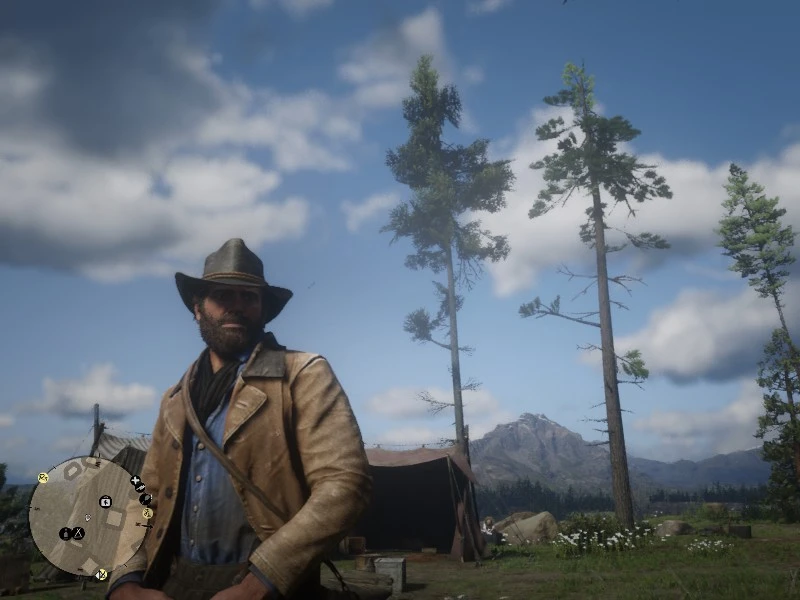
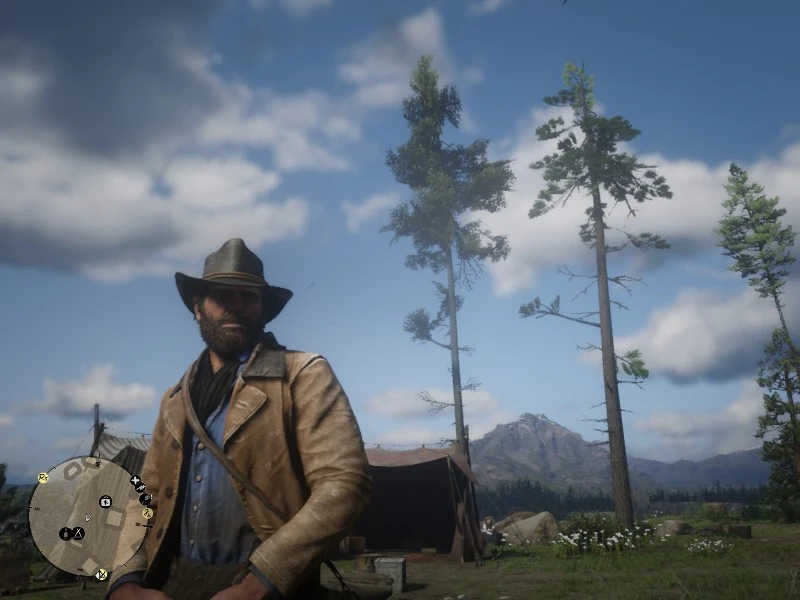
A mod that modifies the system.xml file to maintain image quality and FPS in RDR2, while also enhancing world features such as trees, grass, terrain, shadows, as well as character models and their shadows. Simply replace your old system.xml file with this one in the game directory. Do not change any in-game settings—just run the game and enjoy!
 查看大图
查看大图[size=4][b][color=#1155cc]# Optimized system.xml for RDR2[/color]
[color=#674ea7] ### 📌 Features: [/color]
[color=#00ff00]* Maintains high visual quality while boosting FPS. [/color]
[color=#00ff00]* Enhanced world features: Improved trees, grass, terrain, and shadows. [/color]
[color=#00ff00]* Better character models and character shadow details.[/color]
[color=#674ea7]### 🛠️ Installation Instructions: [/color]
[color=#d8d8d8]1. Go to your RDR2 settings folder[/color][color=#00ffff] (usually in Documents\Rockstar Games\Red Dead Redemption 2\Settings). [/color]
[color=#d8d8d8]2. Back up[/color][color=#d8d8d8] your original system.xml file just in case.[/color]
[color=#d8d8d8] 3. Replace your old system.xml file with this downloaded one. [/color]
[color=#d8d8d8]4. Important: Open the new system.xml with Notepad, find videoCardDescription, and make sure to change the GPU name to match your specific graphics card model, then save the file. [/color][/b]
Simply replace your old [b][color=#3c78d8]system.xml[/color][/b] file with this one in the game directory.
[color=#ff0000][b]Do not change any in-game settings[/b][/color]—[color=#00ff00][b]just run the game and enjoy![/b][/color][/size]
正在加载版本记录…
正在加载评论…
评论在新手盒子客户端中发表,这里同步展示。