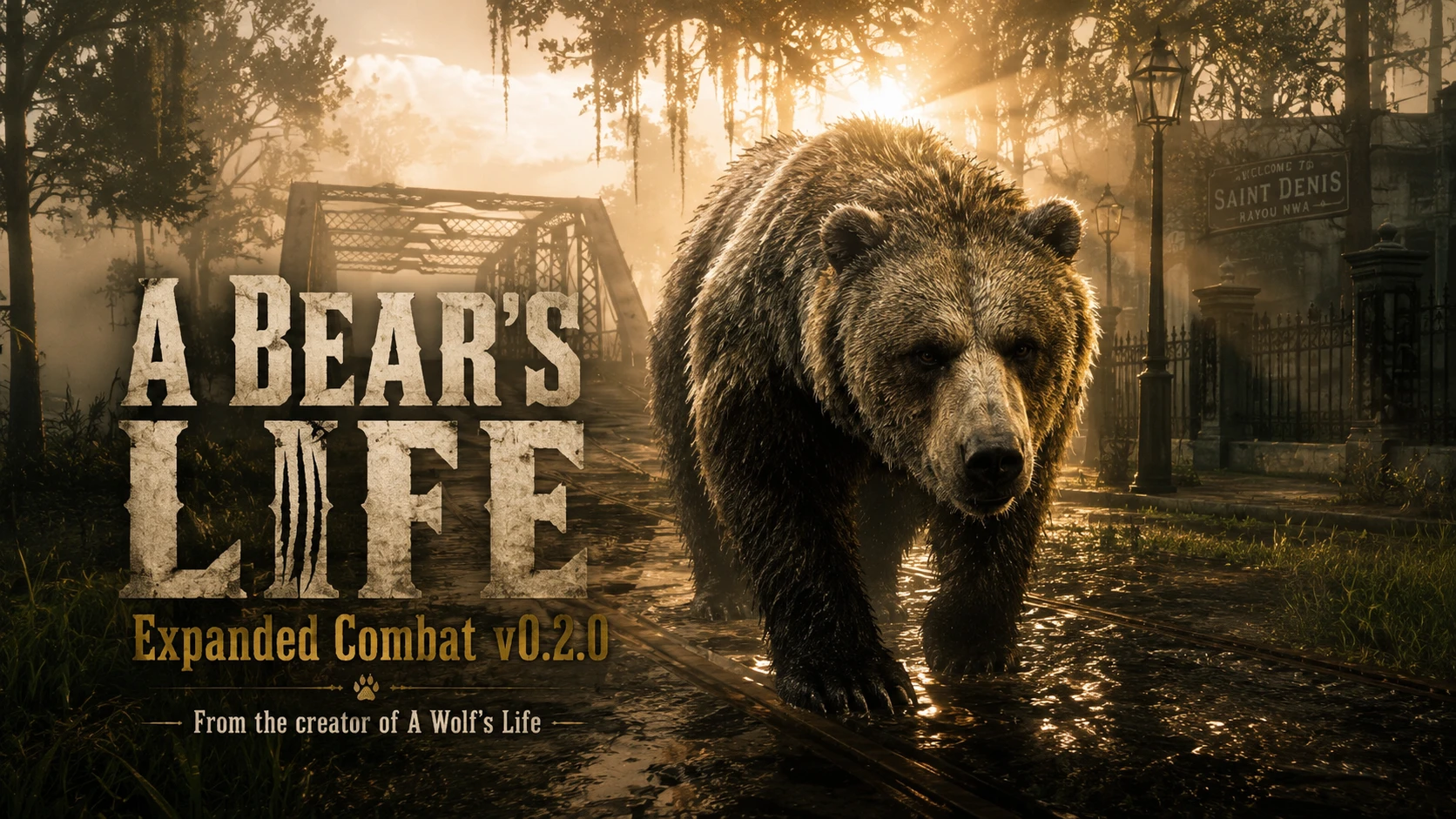
A Bear's Life Beta
From the creator of A Wolf's Life become a fully playable grizzly or black bear. Hunt, fight, feed, drink, track scents, rest, survive hunger and thirst, unleash Bear Rush attacks, and perform brutal human finishers with full keyboard and controller support. Open Beta
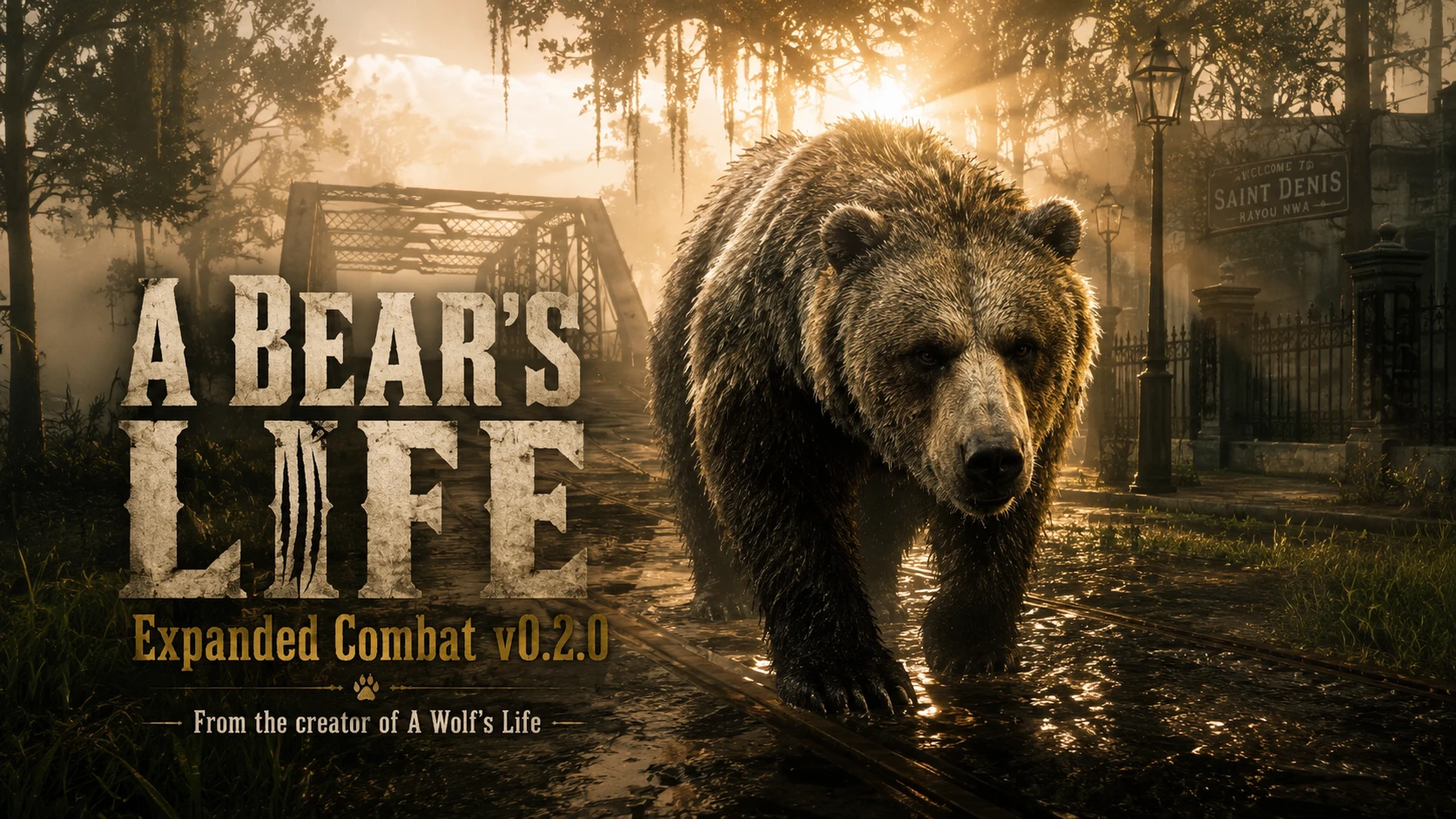 查看大图
查看大图A BEAR'S LIFE — BEAR SURVIVAL MODE Open Beta Testing
Version 0.2.0 — Expanded Combat
By Gnarly Bastard Mods
OVERVIEW
Become the apex force of the frontier.
A Bear's Life brings a complete playable-bear survival experience to Red Dead Redemption 2 Story Mode. Take control of a grizzly or black bear, hunt humans and animals, unleash powerful paw attacks and Bear Rush charges, feed from carcasses, drink from natural water, track scents, roar, rest, sleep, and survive hunger and thirst.
This is more than a model swap. A Bear's Life includes a dedicated survival system, expanded bear combat, persistent values, world reactions, a custom HUD, configurable keyboard controls, and complete controller support.
Made by Gnarly Bastard Mods — the same creator behind A Wolf's Life: Wolf Survival Mode.
FEATURES
• Play as a grizzly bear or black bear.
• Health, Stamina, Hunger, and Thirst survival system.
• Persistent survival values.
• Configurable custom HUD.
• Alternating left/right paw swipes.
• Immediate quick swipe.
• Heavy double-paw smash.
• Running paw swipe.
• Defensive threat lunge.
• Free jump and targeted Bear Rush.
• Human highlight kills and close-range finishers.
• Carcass feeding with animal-size food and healing limits.
• Human carcass feeding support.
• Natural-water drinking.
• Scent Tracking for nearby life and carcasses.
• Roar animation and sound.
• Recovery Position, Sit, and Sleep.
• Healing restrictions when hunger or thirst is too low.
• Civilian fear and horse dismissal.
• Keyboard, mouse, Xbox, and PlayStation-style controller support.
• Runtime INI reloading.
• Automatic shutdown when changing to an unsupported player model.
• Detailed diagnostic log.
EXPANDED COMBAT
Tap F or X/Square:
• Alternating paw swipe.
Hold F or X/Square:
• Heavy double-paw smash.
Shift + F or A/Cross + X/Square:
• Running paw swipe.
Right Mouse + F or LT/L2 + X/Square:
• Defensive threat lunge.
Left Mouse or RT/R2:
• Immediate quick swipe.
• Confirms an available human finisher.
Space or LB/L1 + X/Square:
• Free jump when no valid target is nearby.
• Targeted Bear Rush when a valid target is available.
DEFAULT CONTROLS
A BEAR'S LIFE v0.2.0 — EXPANDED COMBAT
DEFAULT CONTROLS
Created by Gnarly Bastard Mods
KEYBOARD AND MOUSE
Left Mouse Button Immediate quick swipe / confirm an available finisher
Tap F Alternating left and right paw swipe
Hold F Heavy double-paw smash
Left Shift + F Running paw swipe
Right Mouse + F Defensive threat lunge
Space Free jump / targeted Bear Rush
Left Shift Sprint
Hold E Feed from a carcass / drink from shallow natural water
H Roar
Caps Lock or
Middle Mouse Scent Tracking
Z Recovery Position / rise
G Sit / stand
J Sleep / wake
F7 Status and complete controls menu
F8 Activate A Bear's Life
F10 Reload ABearsLife.ini
F11 Disable A Bear's Life systems without changing the model
CONTROLLER
RT / R2 Immediate quick swipe / confirm an available finisher
Tap X / Square Alternating left and right paw swipe
Hold X / Square Heavy double-paw smash
A / Cross + X / Square Running paw swipe
LT / L2 + X / Square Defensive threat lunge
LB / L1 + X / Square Free jump / targeted Bear Rush
A / Cross Sprint
Hold Y / Triangle Feed / drink
D-Pad Up Roar
D-Pad Right Scent Tracking
B / Circle Recovery Position / rise
LB / L1 + B / Circle Sit / stand
LB / L1 + RB / R1 Sleep / wake
LB / L1 + D-Pad Down Activate A Bear's Life
LB / L1 + D-Pad Left Status and controls menu
LB / L1 + D-Pad Right Reload ABearsLife.ini
LB / L1 + D-Pad Up Disable systems without changing the model
EXPANDED COMBAT NOTES
• Tap the main expanded-attack button for alternating paw swipes.
• Hold it for the heavier double-paw smash.
• Add Sprint for the moving/running swipe.
• Add Aim/Target for the defensive threat lunge.
• Bear Rush is used when a valid target is available; otherwise the same input performs a normal jump.
• The quick-attack input can also confirm an available human finisher.
• All custom bindings and balance values can be changed in ABearsLife.ini.
• Press F10 or LB/L1 + D-Pad Right after editing the INI.
SUPPORTED MODELS
0 = A_C_Bear_01 — Grizzly Bear
1 = A_C_BearBlack_01 — Black Bear
The grizzly is the recommended default.
REQUIREMENTS
• Red Dead Redemption 2 PC
• Story Mode
• ScriptHookRDR2
• ASI Loader / dinput8.dll
• Lenny's, Rampage, or another compatible model changer is recommended
STORY MODE ONLY. DO NOT USE IN RED DEAD ONLINE.
INSTALLATION
1. Close RDR2.
2. Back up all Story Mode saves.
3. Create a spare manual save.
4. Open the folder containing RDR2.exe.
5. Remove old A Bear's Life experimental files.
6. Copy the included files beside RDR2.exe.
7. Launch Story Mode in safe free roam.
8. Press F8.
9. Confirm the four survival bars appear.
Do not mix v0.2.0 with the retired v0.3.0 Custom Combat Arsenal files.
IMPORTANT SAVE WARNING
DO NOT USE THIS MOD ON YOUR ONLY OR MAIN STORY MODE SAVE.
Back up:
Documents\Rockstar Games\Red Dead Redemption 2\Profiles\
Avoid missions, cutscenes, arrests, death scenes, wardrobe transitions, and scripted character swaps while activating or changing models.
KNOWN LIMITATIONS
• Finisher alignment depends on terrain and nearby obstacles.
• Some animations align differently on the black bear.
• Native animal AI behavior varies by species.
• No blood-after-feeding texture system is included.
• No custom bounty-hunter system is included.
• Compatibility cannot be guaranteed with every trainer, model changer, mission mod, or future game update.
CREDITS
Created by Gnarly Bastard Mods.
From the creator of A Wolf's Life: Wolf Survival Mode.
Buy me a beer - https://cash.app/$DayzSaltedJurassicZ
or
[url=https://venmo.com/code?user_id=4642675617695654953&created=1784555542]https://venmo.com/code?user_id=4642675617695654953&created=1784555542[/url]\
https://www.paypal.me/GlennMassucci
https://steamcommunity.com/profiles/76561198122949857/myworkshopfiles/
正在加载版本记录…
正在加载评论…
评论在新手盒子客户端中发表,这里同步展示。